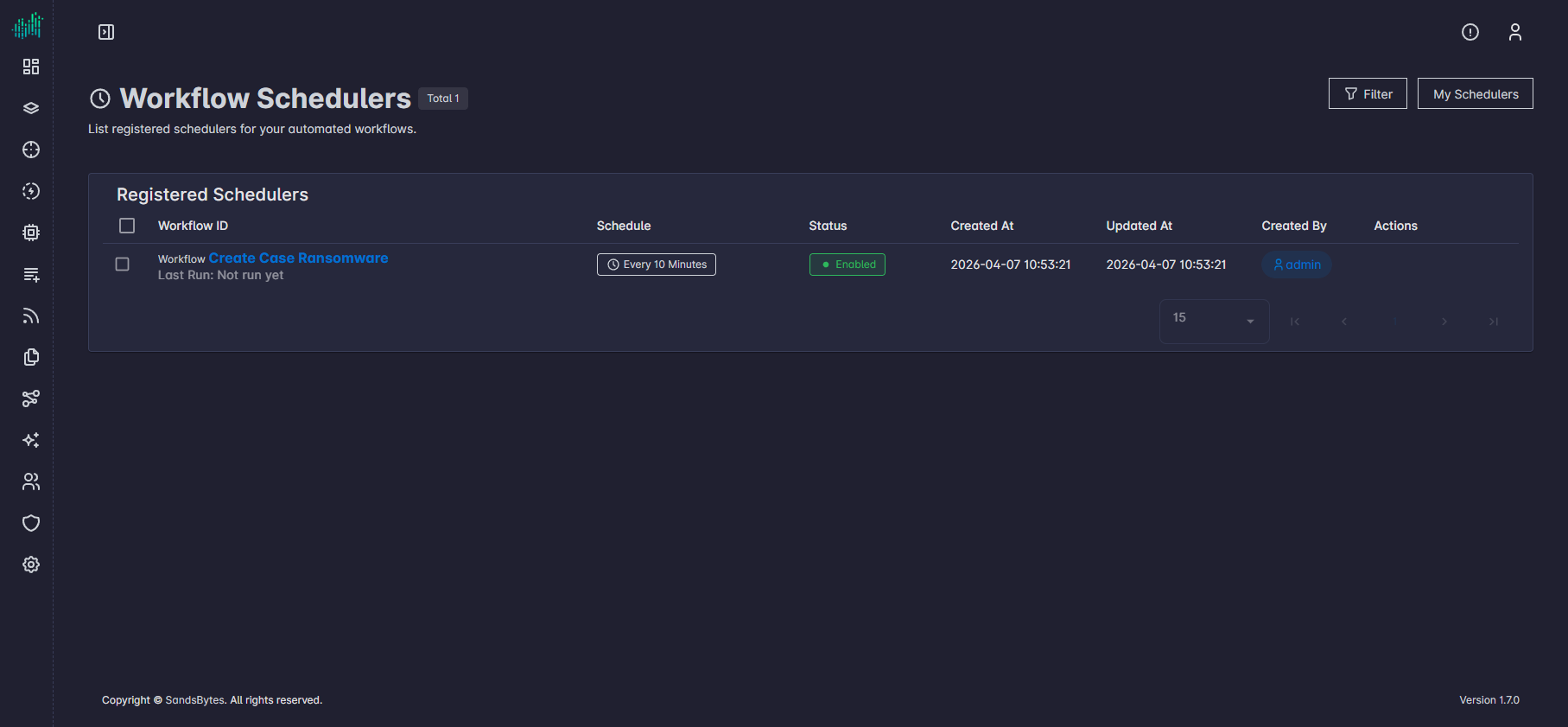
Workflow Schedulers
Overview of scheduled workflow runs, how to create and configure schedulers, and how to review all defined schedules.
Overview
Workflow schedulers start a workflow automatically on a repeating interval. Each scheduler stores which workflow to run, how often it runs, whether it is enabled, and the workflow parameter values to use on every run.
Use schedulers when you need the same workflow to run on a timer (for example reports, sync jobs, or checks) without starting each run manually. Each execution uses the workflow version saved at the time the run starts.
Tip: Use longer intervals while you are still validating the workflow; leave schedulers disabled until manual runs succeed.
Set Up Schedulers
- Open the workflow canvas edit page by clicking on the workflow name.
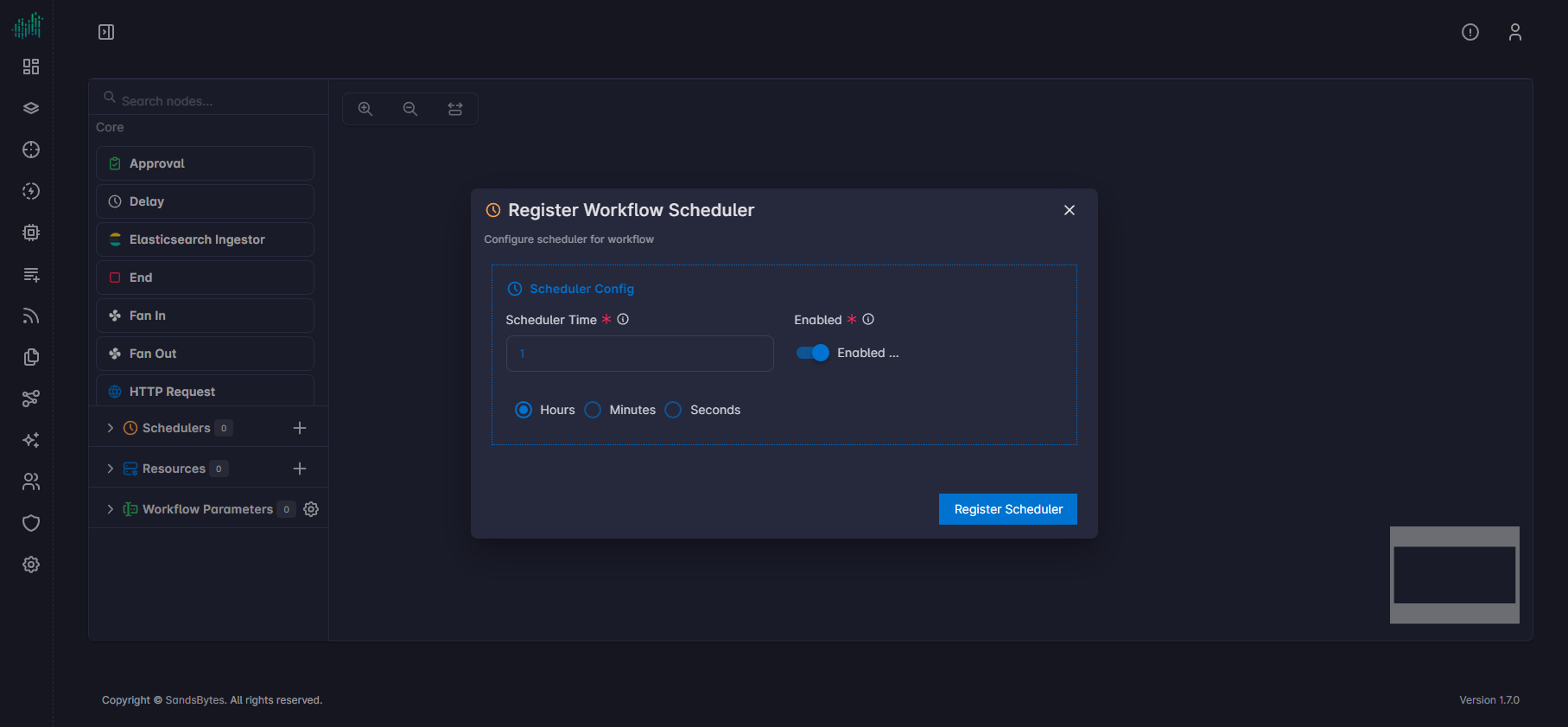
- In the left sidebar, find Schedulers and use the + control to open Register Workflow Scheduler.
- Set Scheduler Time: a number and Hours, Minutes, or Seconds (for example 30 Minutes).
- Use the Enabled switch; keep the scheduler off until the workflow is tested end to end.
- If the workflow defines workflow parameters, fill them in. The scheduler passes those values on every run.
- Submit Register Scheduler.
View All Defined Schedulers
To list all registered workflow schedulers, open the Workflows list page and click View Schedulers. That page lists every defined scheduler for all workflows.