

Get Started
Authentication
Sign in with a local account, LDAP, or single sign-on.
If you are not signed in, the UI shows only the Login page.
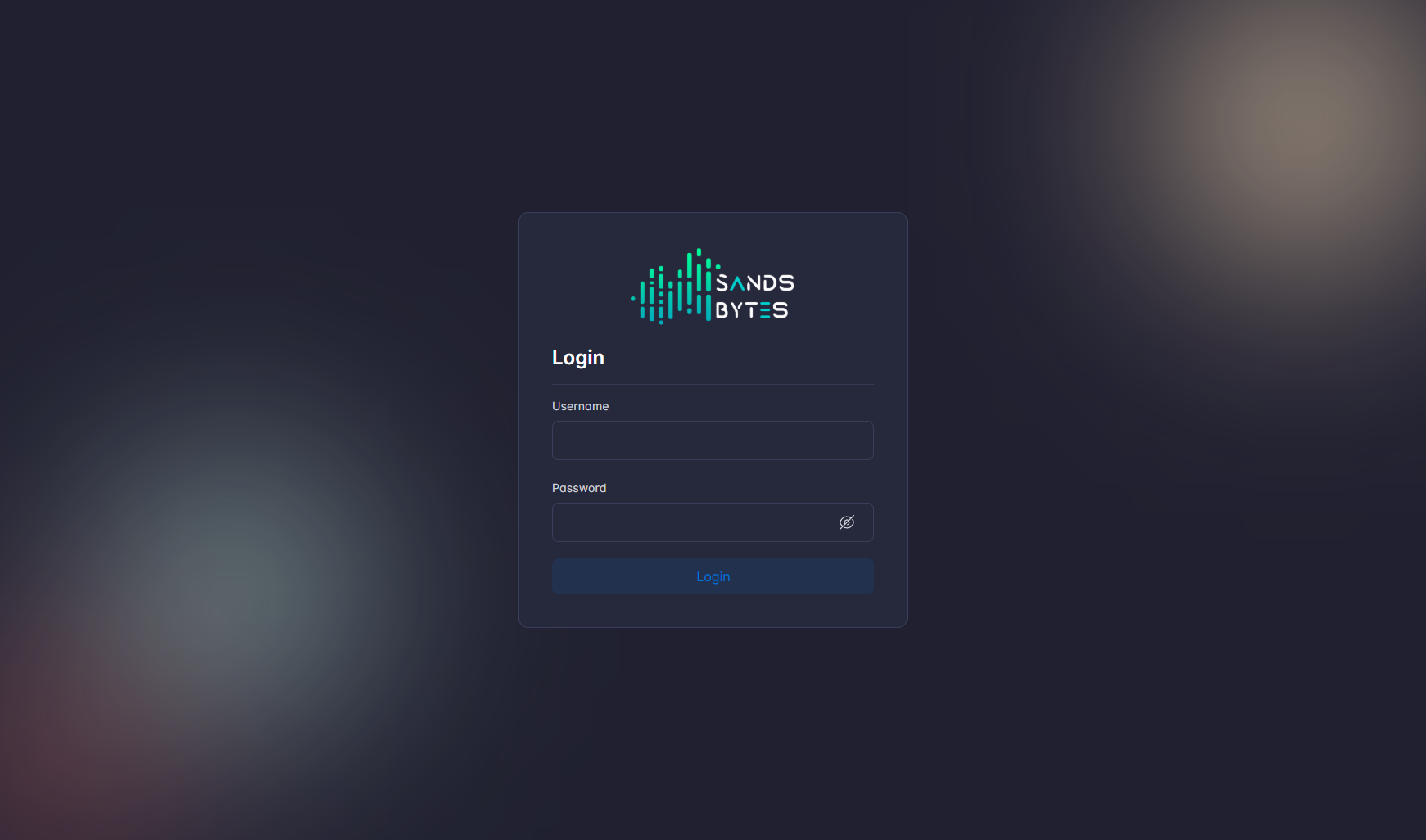
Sign in with username and password
- Open the SandsBytes URL in a supported browser.
- Enter Username and Password.
- Click Login.
- On success the workspace opens. New sessions land on Dashboard or the last module you used.
The password field includes a visibility toggle.
Default administrator account
Use these values only for the first sign-in after a new deploy.
| Field | Default |
|---|---|
| Username | admin |
| Password | Password@123 |
Reset this password immediately on a production system. Do not leave the default password in place.
Directory and single sign-on
Local username and password is the default method. Administrators add other methods under Settings.
| Method | When it appears | Where it is configured |
|---|---|---|
| LDAP | Same login form checks the directory | LDAP Configuration |
| SSO | Login with SSO appears on the login card | SSO Configuration |
| SSO only | Username and password fields are hidden | Allow SSO Only on the SSO page |
Keep an administrator session open before you enable Allow SSO Only, so you can turn it off if the identity provider is wrong.
Sign out
- Open profile in the top bar.
- Choose Logout.
The same menu also has Profile and API Docs.
Troubleshooting
- Confirm the API is reachable from the browser.
- Confirm the account is not disabled.
- If LDAP or SSO fails, check the matching Settings page and the API logs.
- Use Settings → Audit Log to see
LOGINevents after you are signed in as an administrator.