

SettingsConfiguration
LDAP Configuration
Directory login and group-to-role mapping.
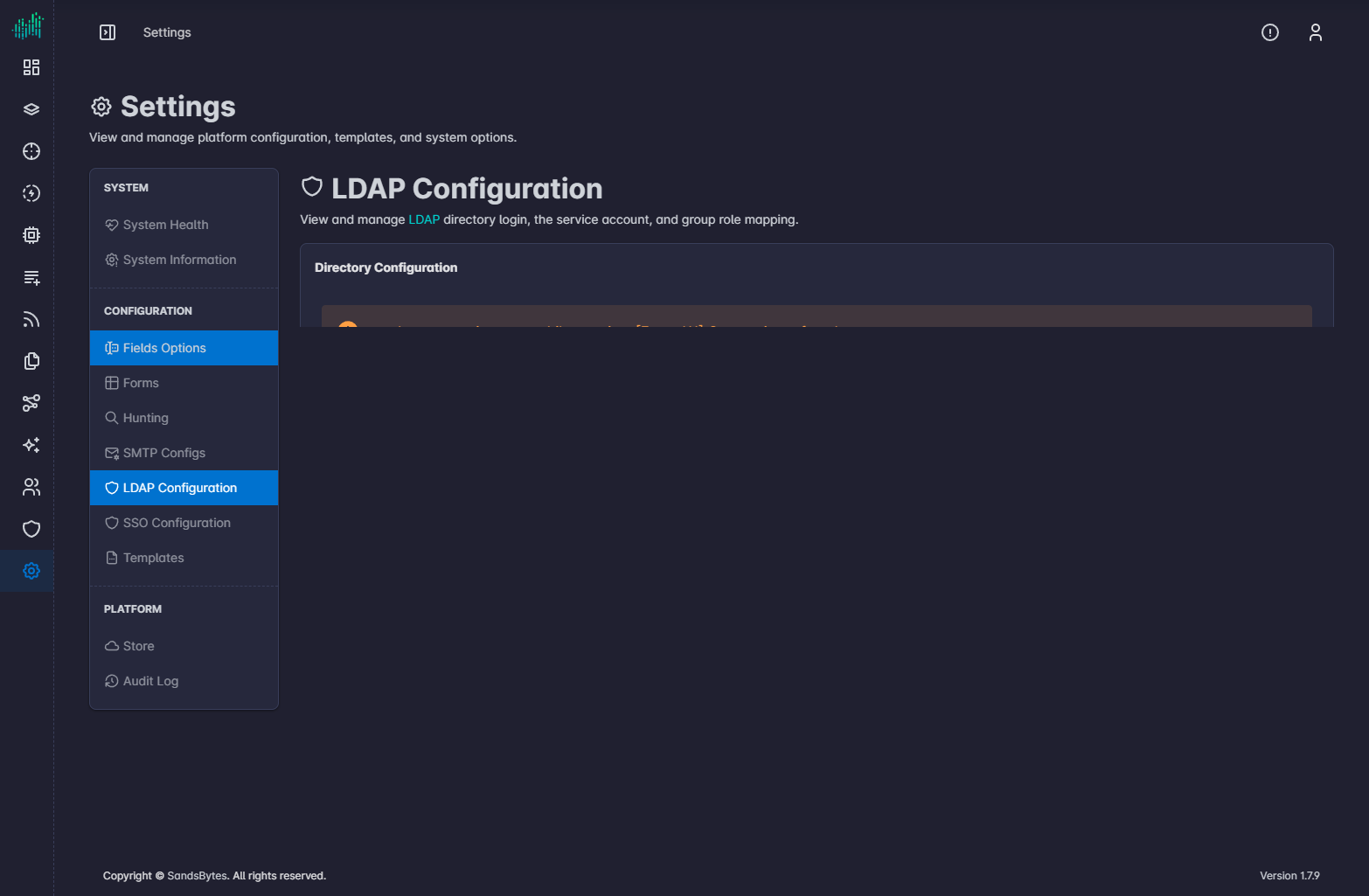
LDAP Configuration turns on directory login. The same login form then checks the directory.
| Field | Purpose |
|---|---|
| Enabled | Allow LDAP login. |
| Server URI | Directory server address. |
| Base DN | Search base for users. |
| User filter | LDAP filter that selects accounts allowed to sign in. |
| Validate TLS | Require a valid directory certificate. |
| TLS CA certificate | CA used when validation is on. |
| Bind DN and Bind password | Service account used to search the directory. |
| Group base DN | Where groups are searched. |
| Group strategy | How group membership is read. OpenLDAP is the default. |
| Group role map | Maps a directory group to a SandsBytes role. Use Add for each mapping. |
Click Save. See Authentication.