

Get Started
Layout
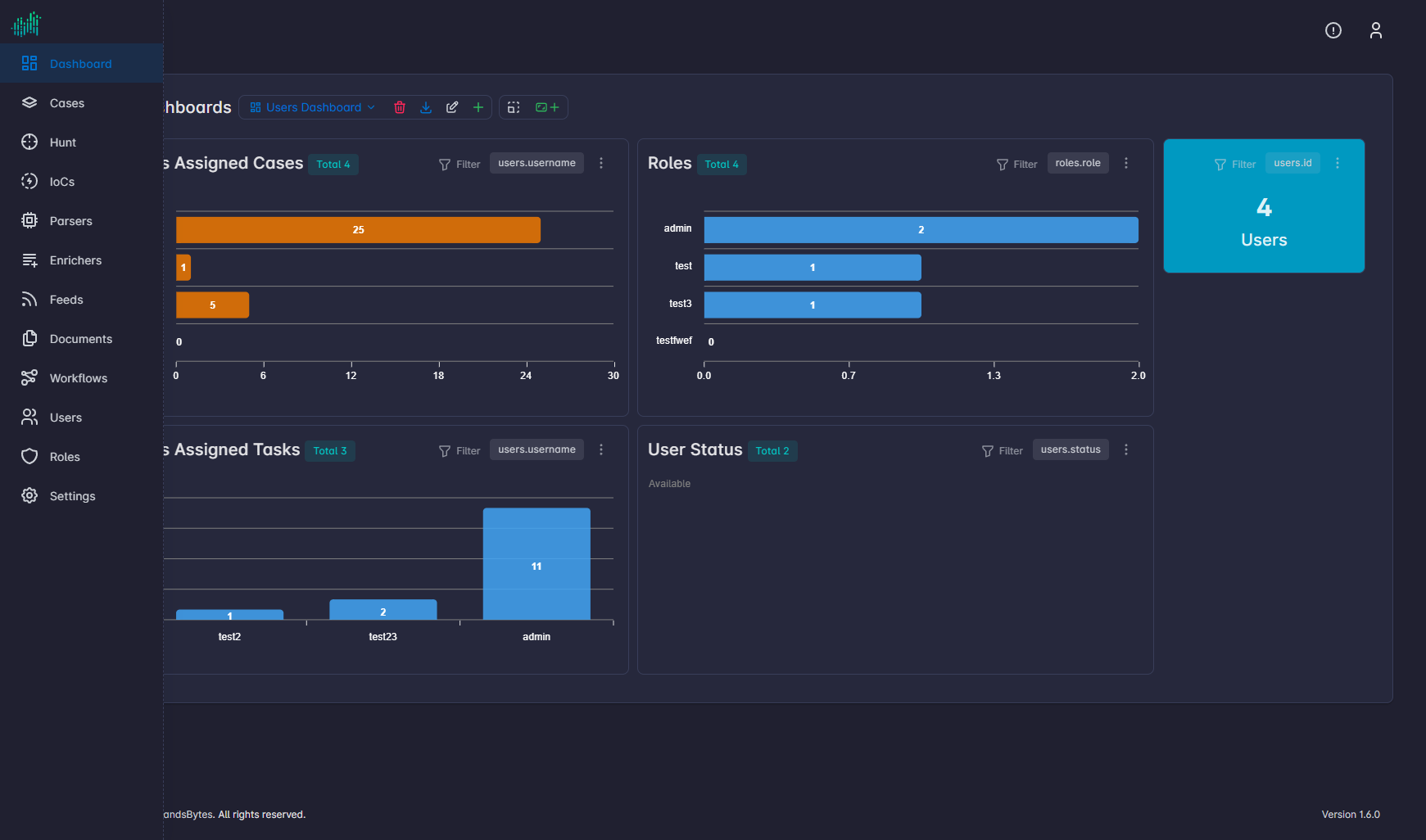
Top bar, sidebar, and workspace of the SandsBytes UI.
After sign-in the UI has three zones: the top bar, the sidebar, and the workspace. The footer shows copyright text and Version (this guide uses 1.7.9).
Top bar
The top bar stays visible on every page.
| Control | Purpose |
|---|---|
| Alerts | Notifications for the signed-in user. An empty menu reads No Alert Found. |
| Profile | Profile, API Docs, and Logout. |
Breadcrumbs under the top bar show the current module and, inside a case, the case name and the active tab.
Sidebar
The sidebar is the module list. From top to bottom:
- Dashboard
- Cases
- Hunt
- IoCs
- Parsers
- Enrichers
- Feeds
- Documents
- Workflows
- Rules
- Users
- Roles
- Settings
Use the sidebar button to collapse the list to icons.
Workspace
The workspace is the large center pane. It holds the current list, form, hunt view, or case tab.
Inside a case the workspace adds a second, inner navigation:
- Case Management — Information, Evidences, Requirements, Tasks, Findings, IoCs, Case Timeline, Remediations, Reports.
- Investigation Hub — Upload & Process, Triage Packages, Processed Files, Processing Runs, Lookup Enrichments, File System, and Start Hunting.