

Documents
Knowledge-base articles, guidelines, and attached files.
Documents (/UI/documents/list) is the knowledge base.
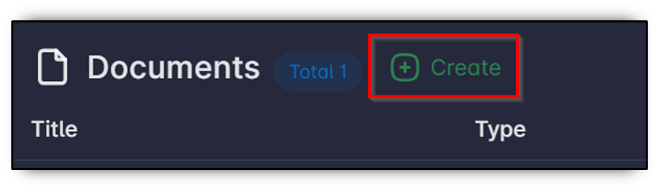
The heading shows Documents and the total count.
Columns
Title, Type, Author, Version, Approved, Creation Date, Created By, and Actions.
Create a document
- Click Create.
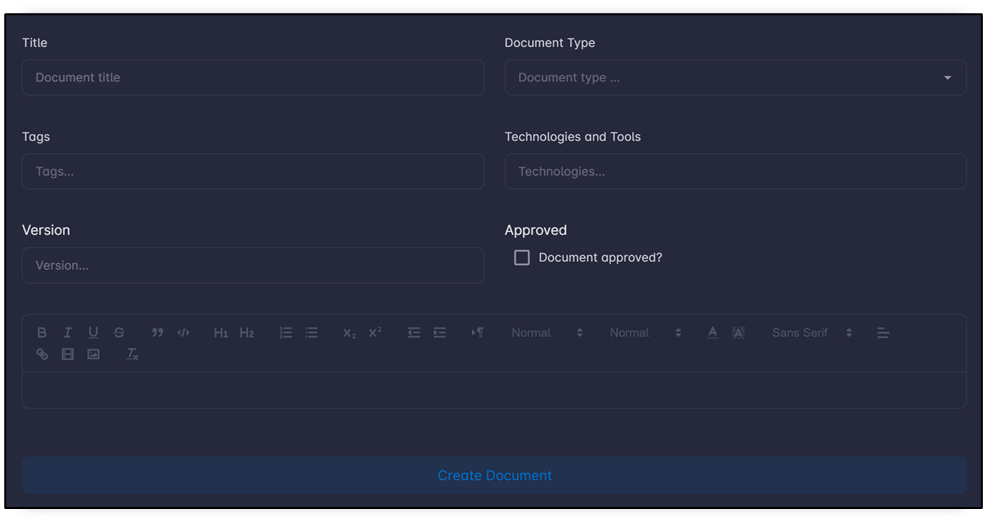
- Fill Title, Document Type (for example Guideline), Author, Tags, Technologies, Version, Approved, and Content.
- Click Create.
Attach files
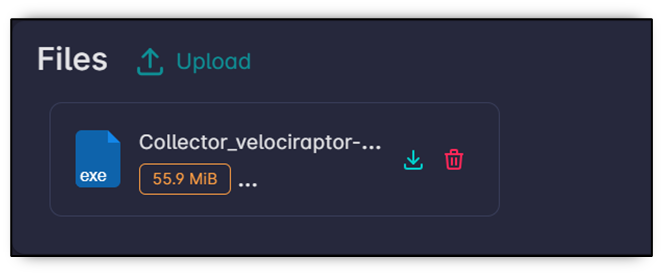
On the document page, click Upload in the Files box and wait until the file appears.
Document fields follow the Documents form layout, including custom fields from Settings → Forms.