Results Rendering
How workflow run results are shaped for JSON, table, HTML, Markdown, accordion, and file download views in the UI.
When a workflow finishes, workflow results (the payload returned for the run) can be shown in the Run Workflow dialog and related views in more than one visual form. The UI inspects the result object and picks a renderer when specific keys are present; otherwise the value is shown as JSON.
JSON (Default)
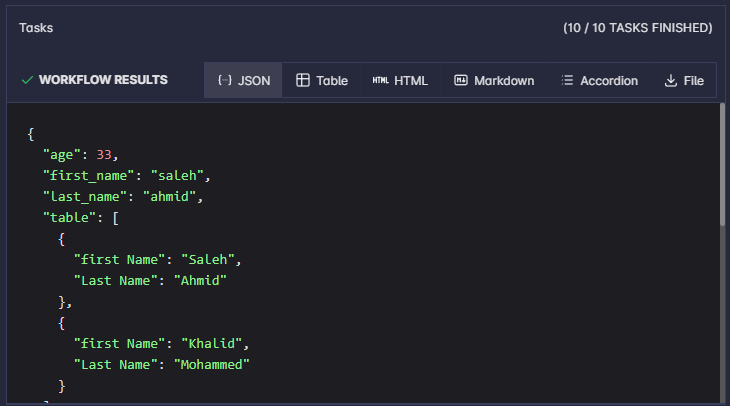
By default the result should be a JSON object. It is displayed with JSON formatting (no special wrapper keys required). The JSON tab is selected by default; other format tabs (Table, HTML, Markdown, Accordion, File) appear when the payload includes the matching keys (see the sections below).
Table
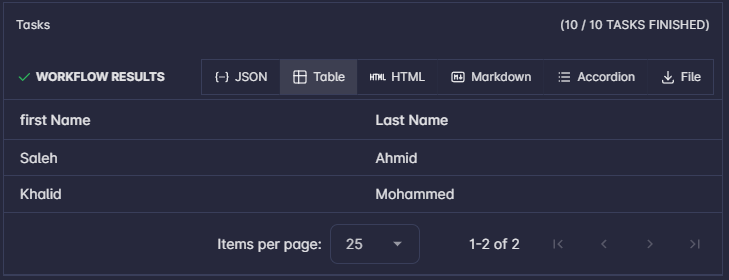
To render the result as a table, include a top-level key table whose value is an array of records (objects). Each object’s keys become columns.
{
  "table": [
    { "first Name": "Saleh", "Last Name": "Ahmid" },
    { "first Name": "Khalid", "Last Name": "Mohammed" }
  ]
}
HTML
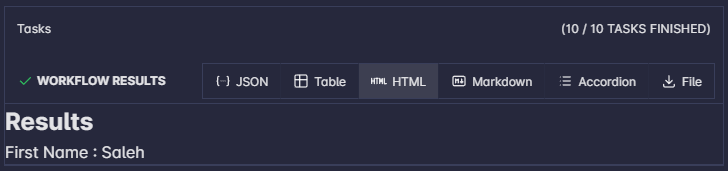
To render the result as HTML, include a top-level key html whose value is an HTML string (the UI will render it as HTML).
{
  "html": "<html><h2>Results</h2><span>First Name : Saleh</span></html>"
}
Markdown
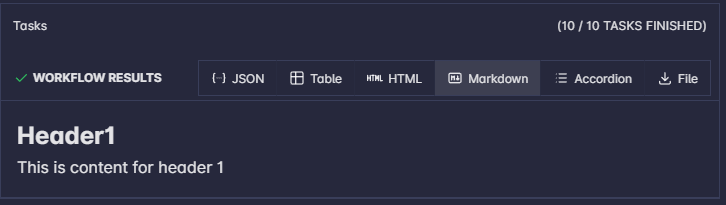
To render the result as Markdown, include a top-level key md whose value is a Markdown string.
{
  "md": "## Header1\nThis is content for header 1"
}
Accordion
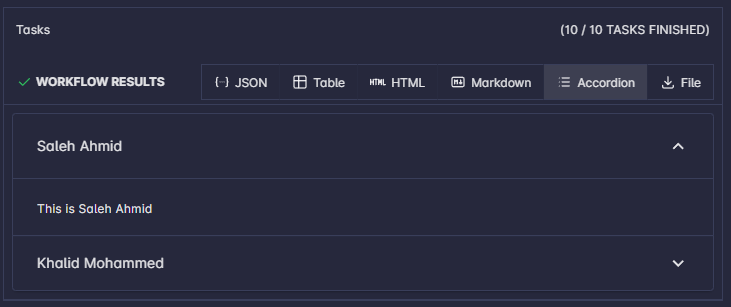
To render the result as an accordion (expandable sections), include a top-level key list whose value is an array of items. Each item should provide title and content (and any other fields your build expects for each row).
{
  "list": [
    { "title": "Saleh Ahmid", "content": "This is Saleh Ahmid" },
    { "title": "Khalid Mohammed", "content": "This is Khalid Mohammed" }
  ]
}
File
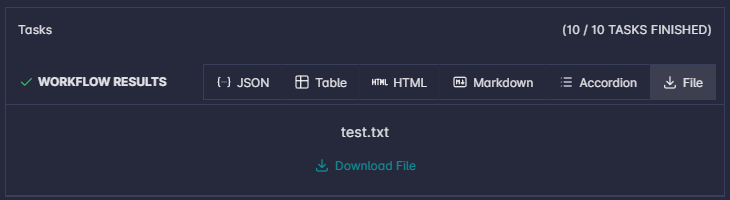
To render the result as a file download button, include a top-level key file whose value is an object with at least filename and content (file body as a string or as your component expects).
{
  "file": {
    "filename": "test.txt",
    "content": "this is test content"
  }
}