

CasesCase Management
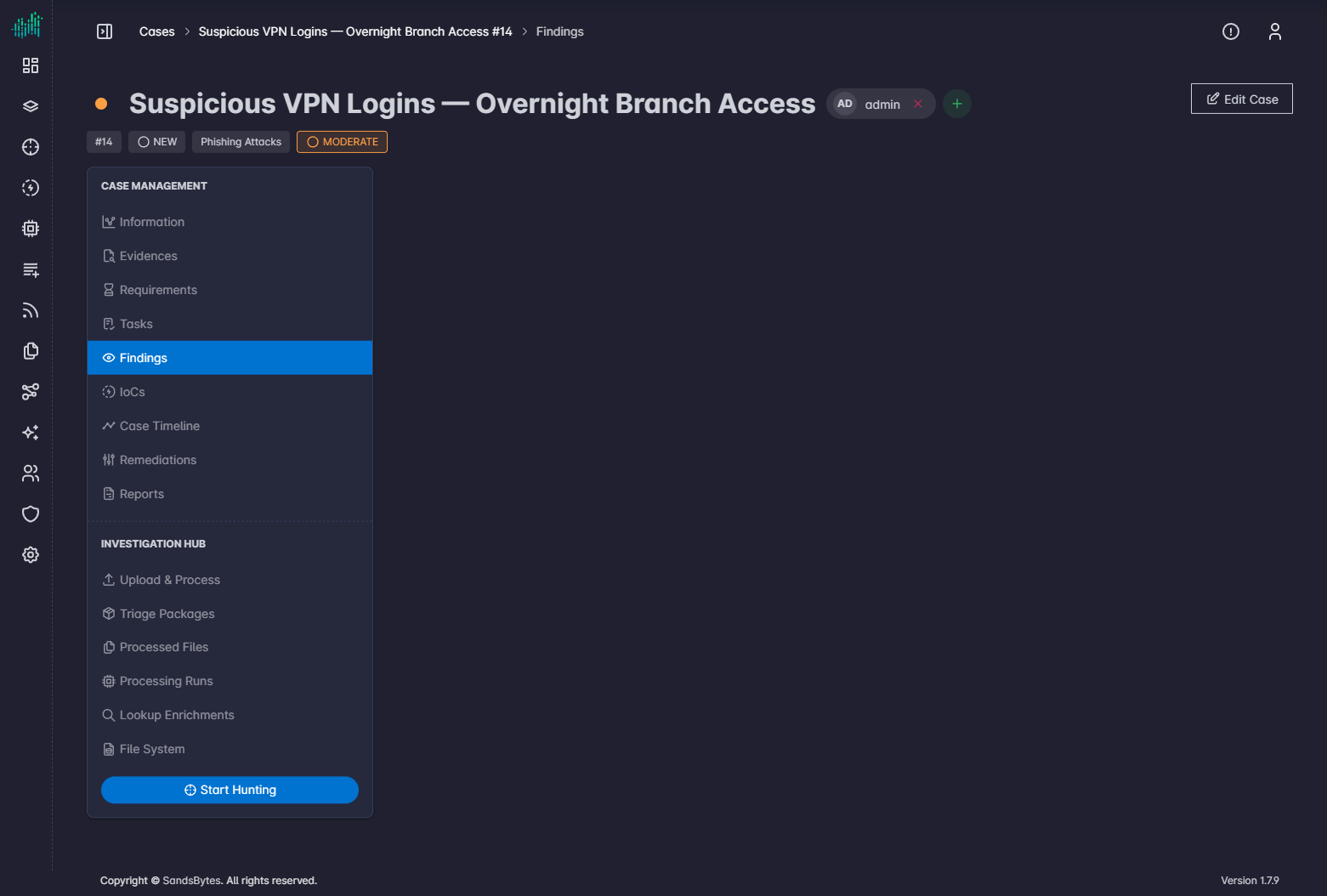
Findings
Record analyst-confirmed observations and attach IoCs.
Findings holds analyst-confirmed observations about suspicious or malicious activity. IoCs belong to findings. You do not create a platform IoC from the case IoCs tab alone.
Open the tab
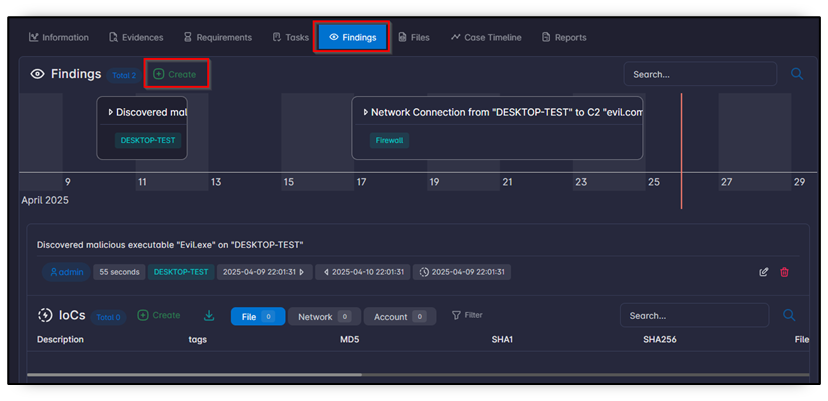
The tab has a timeline chart and a table.
| Column | Meaning |
|---|---|
| Severity | Finding severity. |
| Title | Finding name. |
| Created At | When it was recorded. |
| First Activity | Earliest related activity. |
| Records | Hunt records linked to the finding. |
| IoCs | Indicators on the finding. |
| Remediations | Linked response items. |
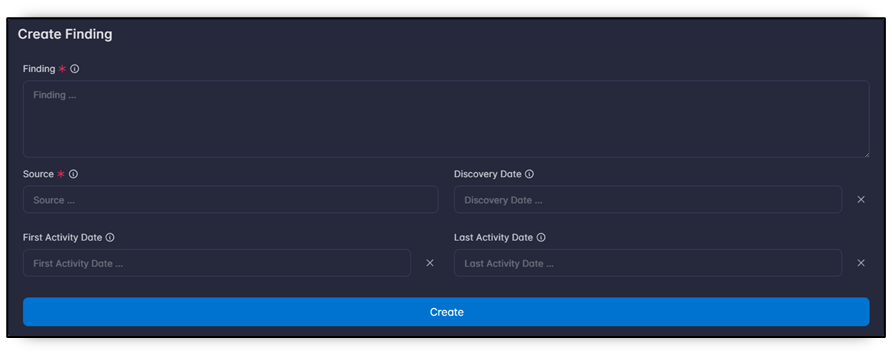
Create a finding
- Click Create.
- Fill the form and save.
You can also create a finding from Hunt with Add to findings. See Table view.
Add IoCs to a finding
- Open the finding.
- In the IoCs table, click Create.
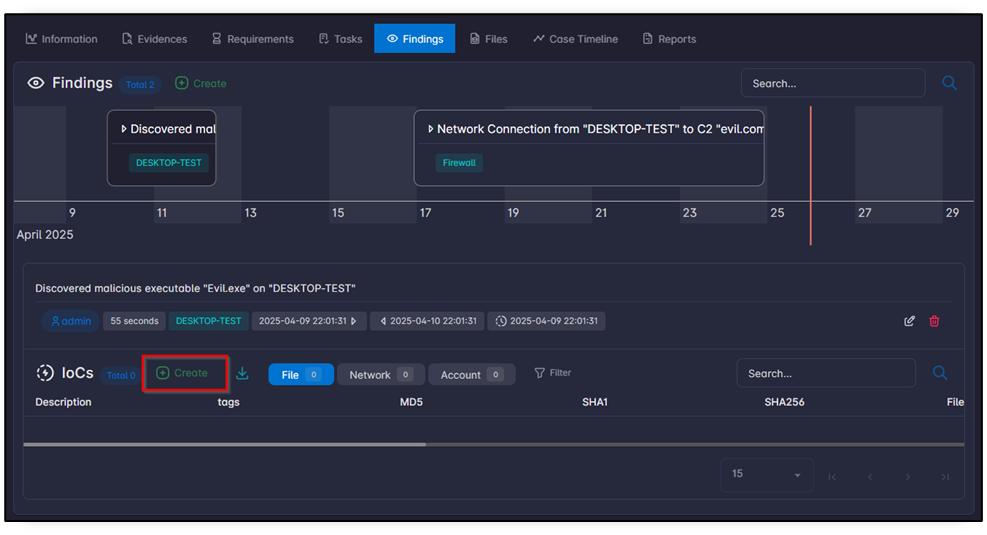
- Choose the type: File, Network, or Account.
- Fill the type-specific fields and click Create.
If the same IoC exists on another case, a yellow badge shows how many other cases contain it.