

Hunt
Table view
Inspect hunt rows, add columns, tag records, and create findings.
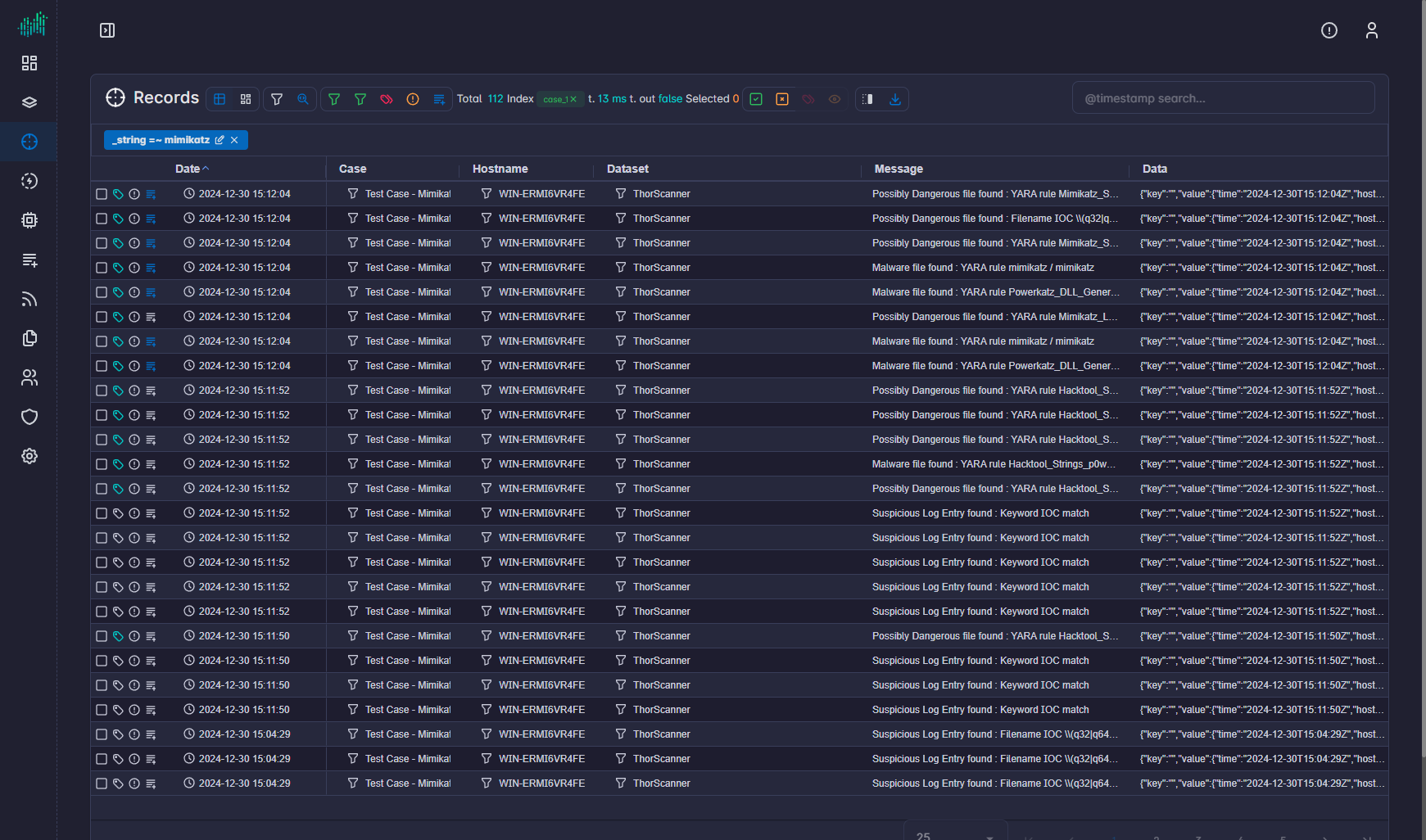
Table view is the line-item hunt workspace. The breadcrumb reads Hunt → Table.
Left panel
| Tab | Purpose |
|---|---|
| Fields | Search fields, add or remove columns, and apply a field filter. |
| Type | Filter by data type (for example Data Type, Dataset, Alerts, Tags, Enrichments). |
Hide left panel collapses the pane.
Table
Default columns are Date, Case, Hostname, Dataset, Message, and Data.
Click a row to open record details. Hide record details closes the panel. Click a value in the detail panel to pivot that value into the query.
Row actions
| Action | Purpose |
|---|---|
| Select All / Deselect All | Bulk selection. |
| Tag selected records | Apply tags to the selection. |
| Add to findings | Create or append a finding from the selection. |
| Download | Export the current table. |
Apply view uses the primary fields configured in Settings → Hunting.