

CasesCase Management
Case Timeline
Record procedural milestones for the case, not attacker activity.
Case Timeline tracks how the team handled the case: opened, request received, analysis started, analysis ended. It is not the place for attacker findings or IoCs. Those belong on Findings.
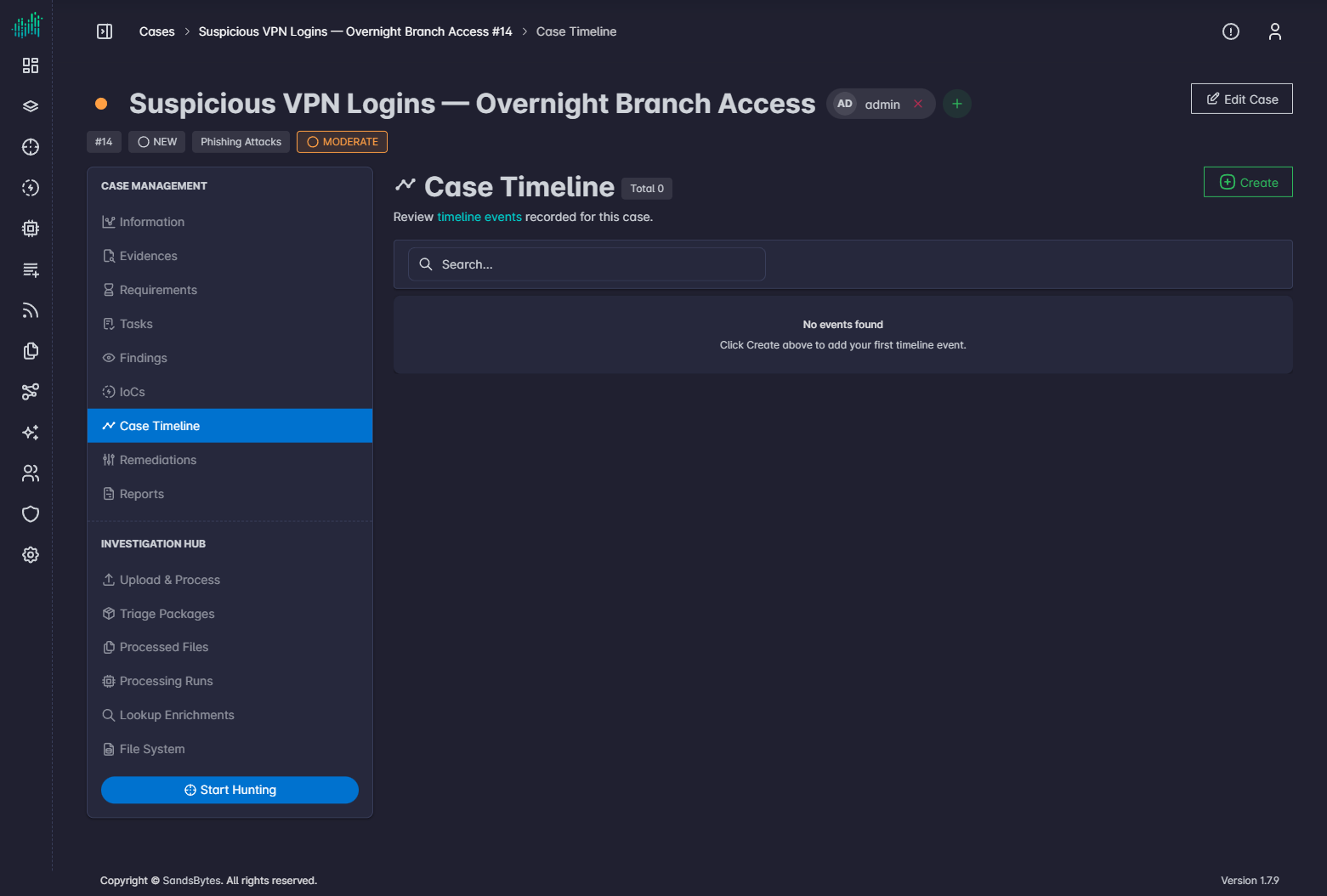
Create an event
- Open Case Timeline.
- Click Create.
- Enter the event, notes, and dates.
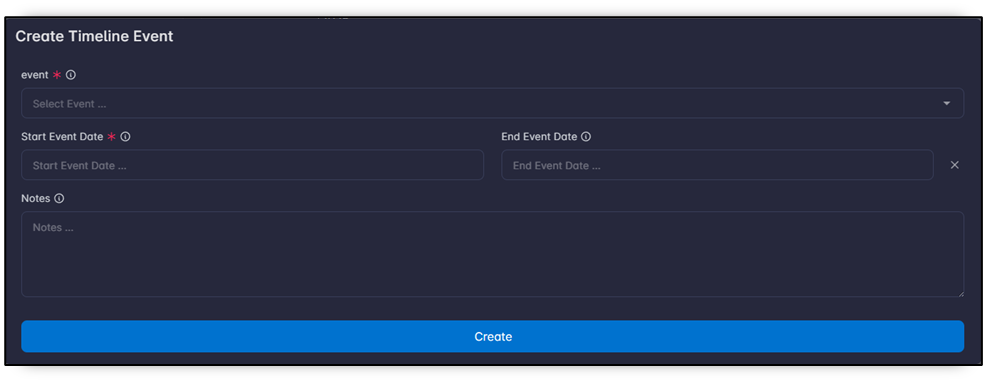
Each event can have a start date and an end date. If you omit the end date, the event is a single-point milestone.
Edit or delete
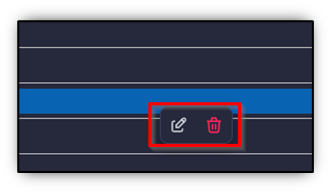
Right-click an event on the chart and choose edit or delete.
Use the date-range control to focus the chart.