

CasesCase Management
Case IoCs
Review indicators that belong to the current case.
The case IoCs tab lists indicators created from findings on this case only. Platform-wide browsing is IoCs List.
What you can do
- Filter by IoC type.
- Review hashes, network values, or account values.
- Download the current list as CSV.
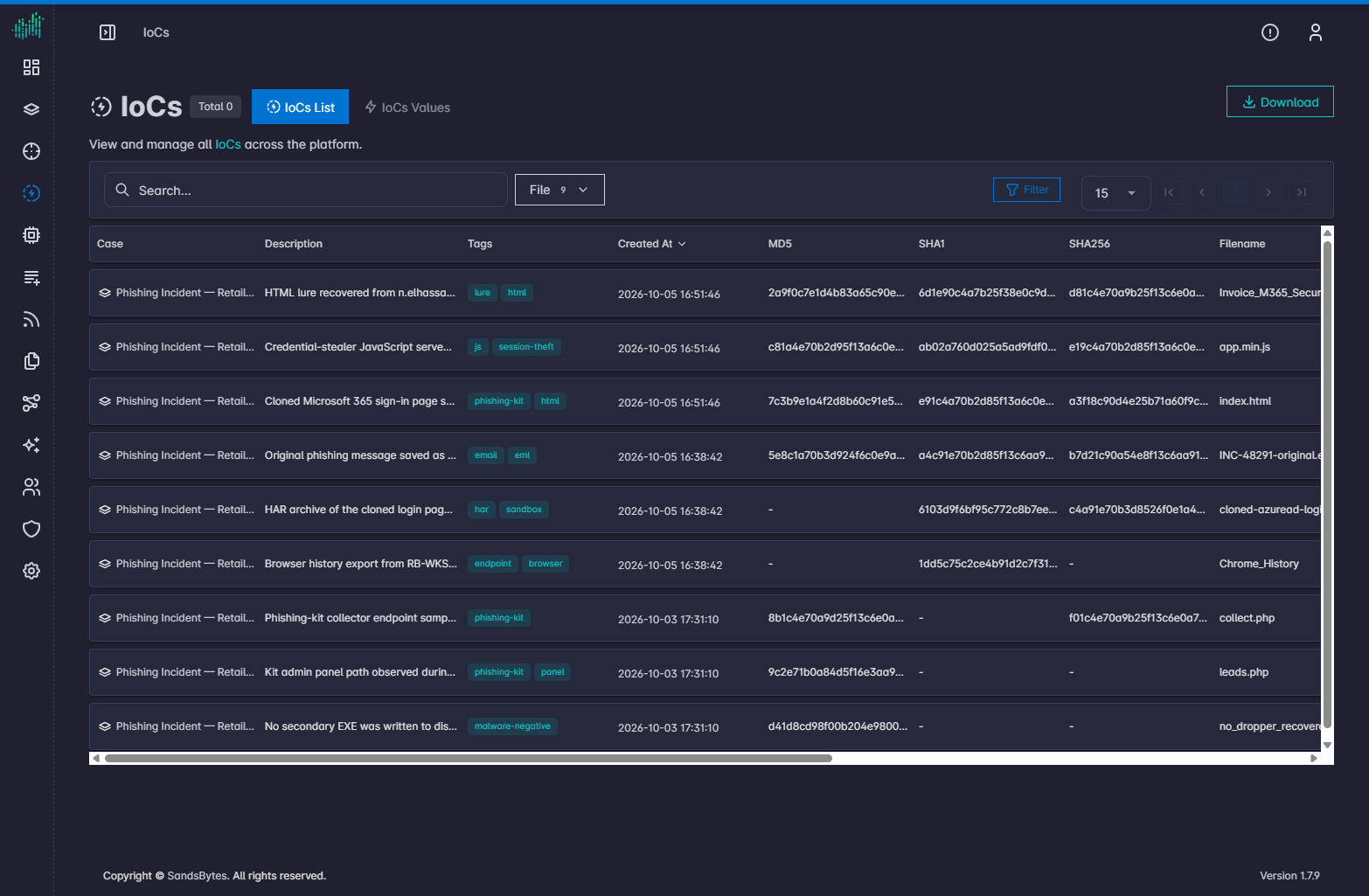
There is no Create button on this tab. Add indicators from a finding.
Edit or delete
Use the Actions column on the finding IoCs table or on this tab when actions are available.
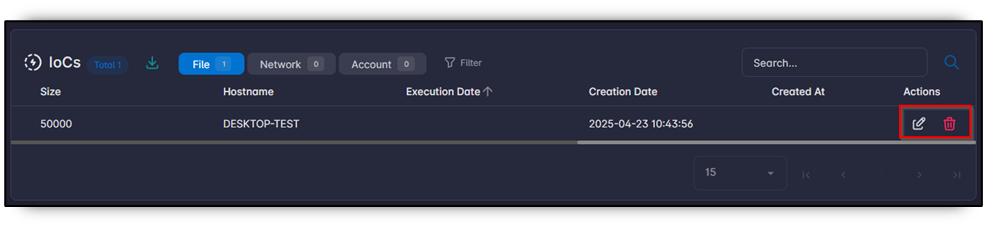
If the same value exists on another case, a yellow badge shows the overlap count.