

IoCs
IoCs List
Browse indicators across every case.
IoCs (/UI/iocs/list) lists indicators for the whole platform. Indicators that belong to one investigation also appear on that case's IoCs tab.
The page has two tabs: IoCs List (default) and IoCs Values.
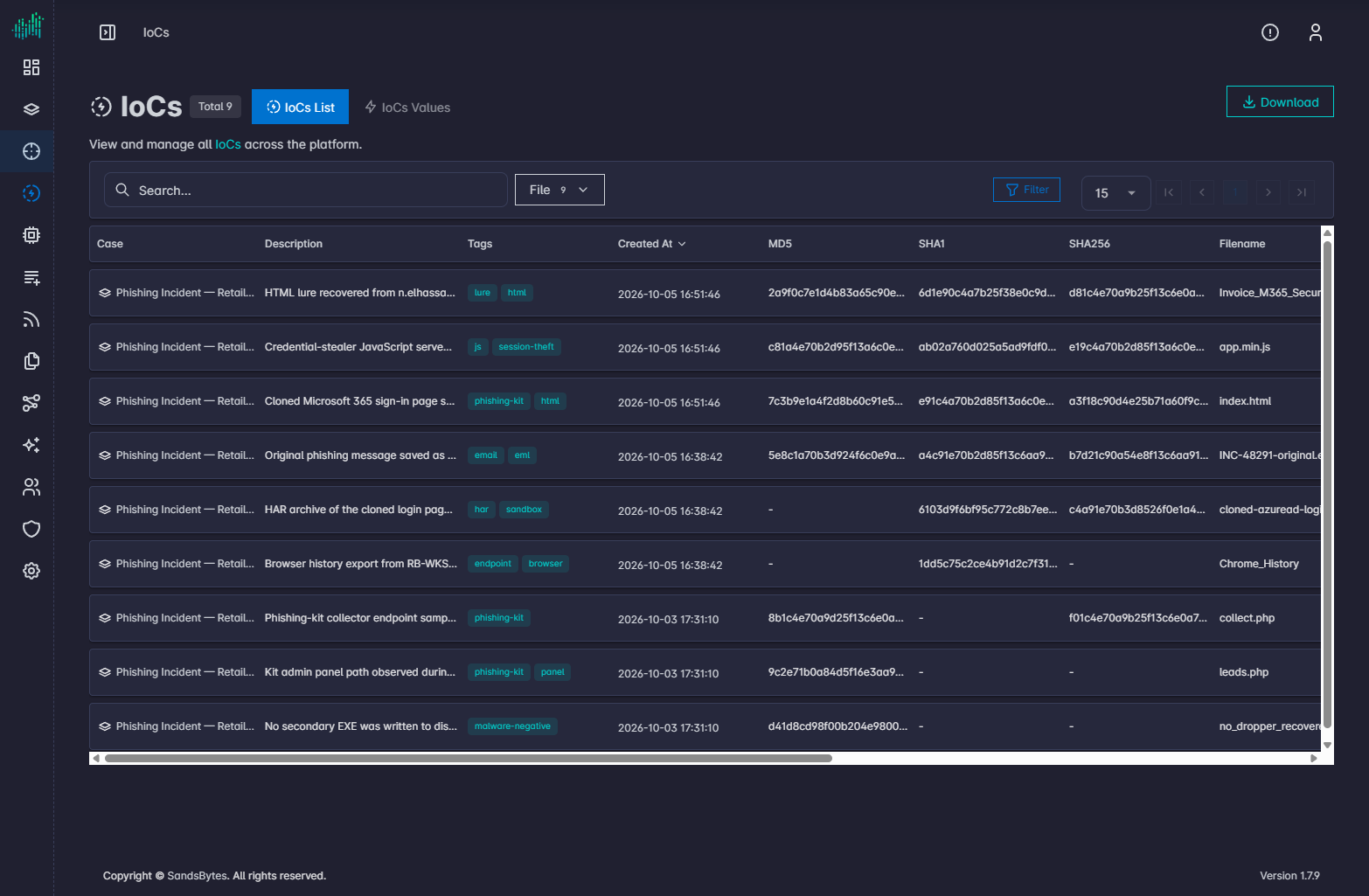
The heading shows IoCs and the total. The subtitle reads: View and manage all IoCs across the platform.
Toolbar
| Control | Purpose |
|---|---|
| Download | Export the current list. |
| Search | Text search. |
| Type filter | For example File. Types come from Settings → Fields Options → Iocs. |
| Filter | JSON filter builder. |
Columns
| Column | Meaning |
|---|---|
| Case | Investigation the indicator belongs to. Click to open the case. |
| Description | Text stored with the indicator. |
| Tags | Tags on the indicator. |
| Created At | When it was recorded. |
| MD5, SHA1, SHA256 | File hashes when the type is file. |
| Filename, File Path, Size | File attributes. |
| Hostname | Host the file was observed on. |
| Creation Date, Execution Date | File timestamps from the source artifact. |
Create new IoCs from a case finding, not from this list. See Findings.