

CasesCase Management
Evidences
Record collected artifacts such as images, dumps, and captures.
Evidences tracks artifacts collected from the environment. It is a case record, not the file tree. Files live under File System and Triage Packages.
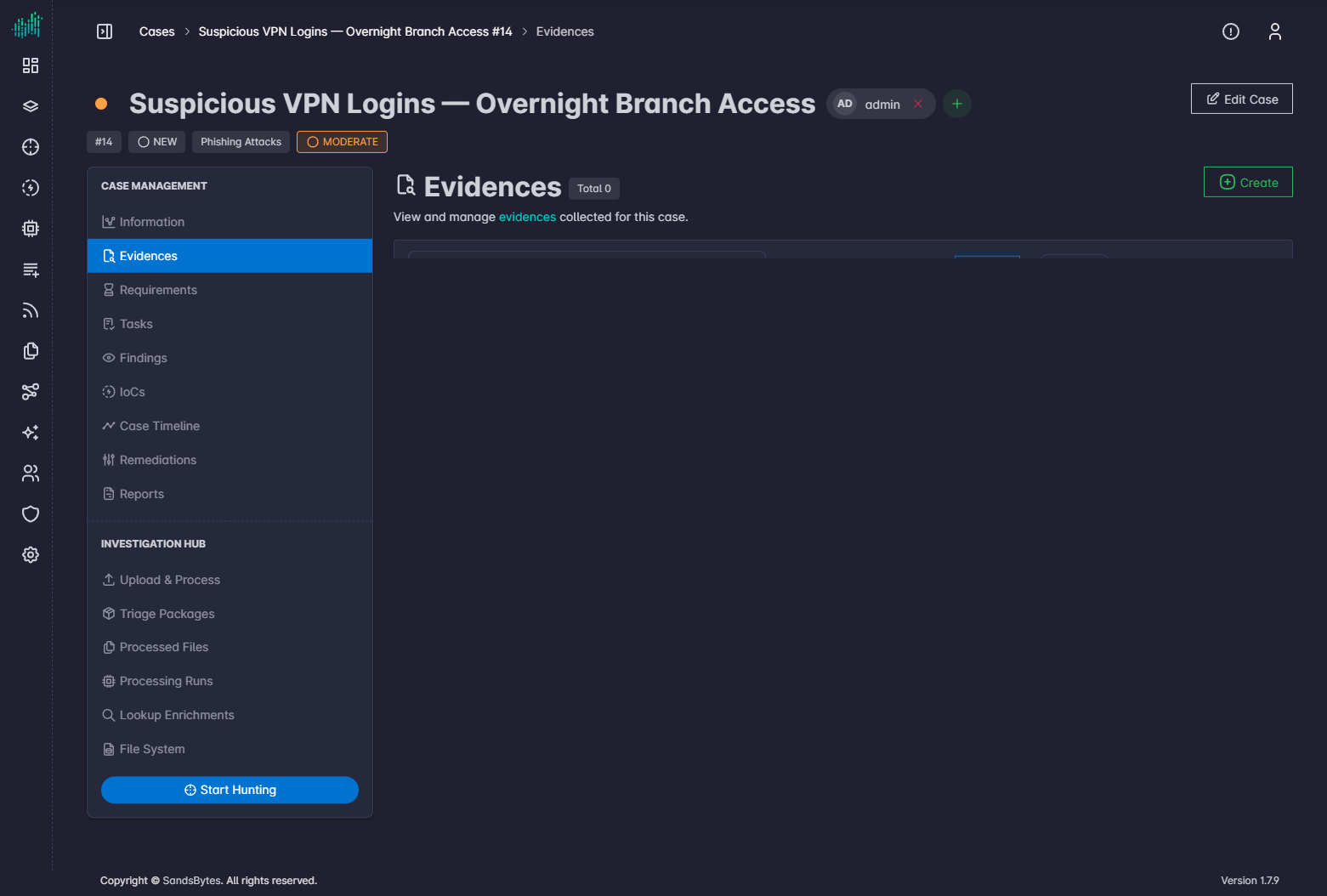
Open the tab
- Open a case.
- Under Case Management, click Evidences.
Columns
| Column | Meaning |
|---|---|
| EID | Evidence identifier. |
| Status | Current evidence status. |
| Type | Kind of artifact, for example a disk image or PCAP. |
| Acquisition Date | When the artifact was collected. |
Create evidence
- Click Create.
- Fill the evidence form. Fields follow the Evidences form layout, including any custom fields.
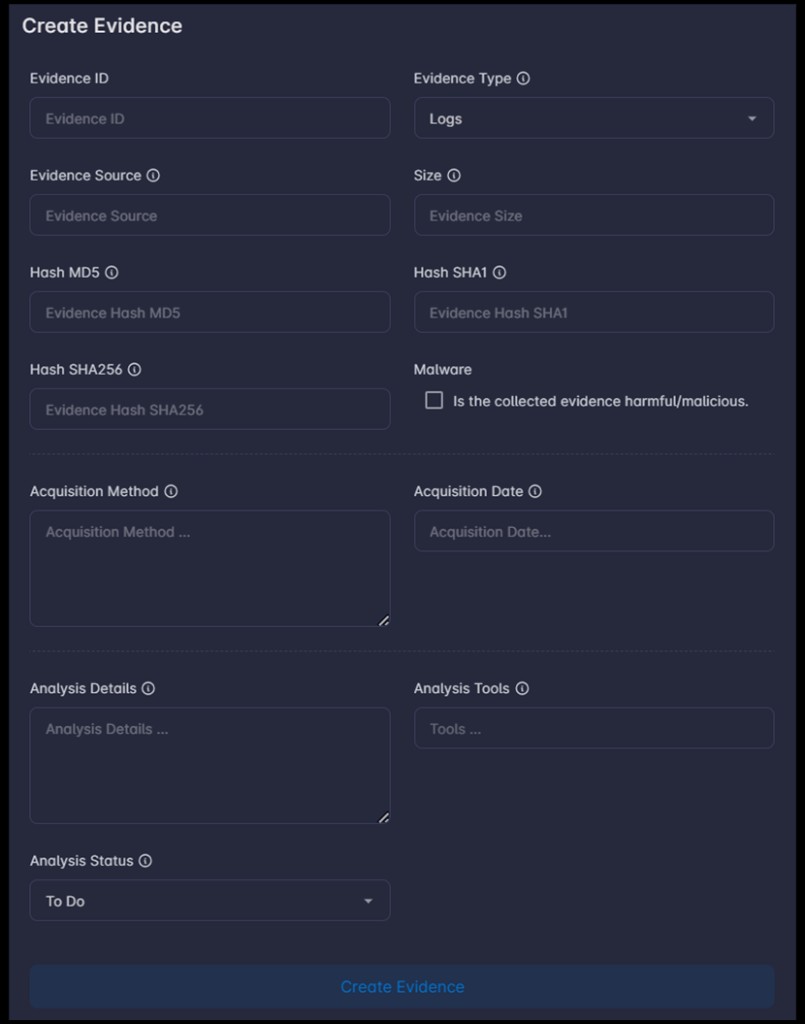
- Click Create Evidence.
Edit or delete a row from the actions column.