

CasesInvestigation Hub
Triage Packages
Packages uploaded to the case and their processing counts.
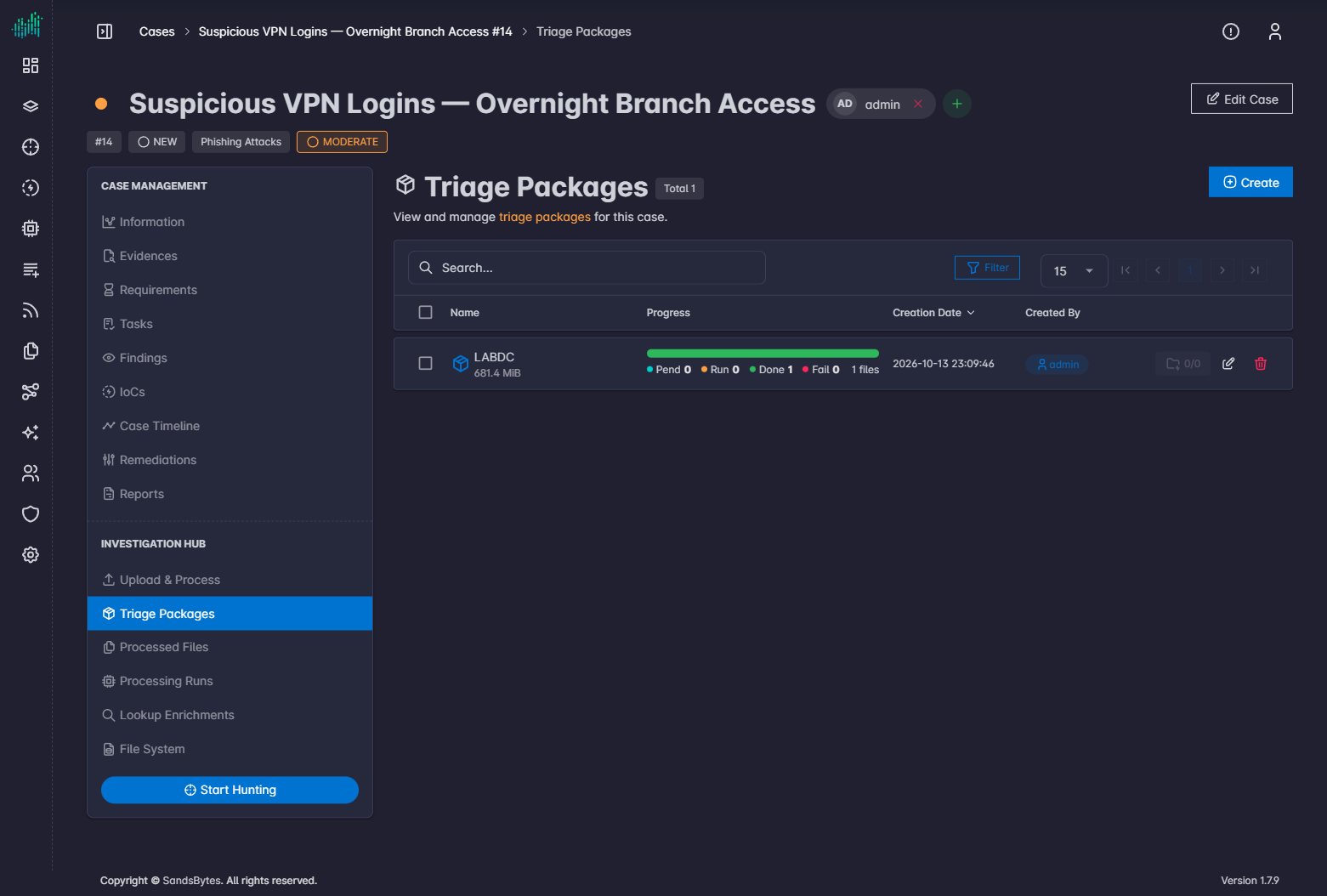
Triage Packages lists every package on the case.
Each row shows pending, running, done, and failed counts for that package.
Actions
| Action | Purpose |
|---|---|
| Create | Starts the same wizard as Upload & Process. |
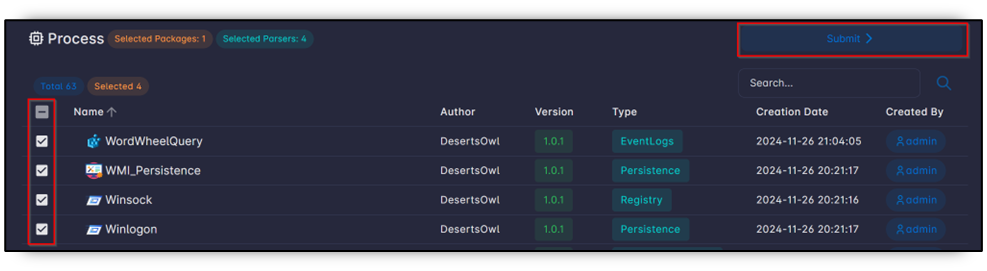
| Process | Runs parsers on selected packages. |
| Upload | Adds files to an existing package. |
| Folder-bolt | Shows remote share mounts for the package. Active means the share is mounted. |
| Download / delete | Export or remove package files. |
Process selected packages
- Select one or more packages.
- Click Process.
- Select parsers and submit.
Remote shares
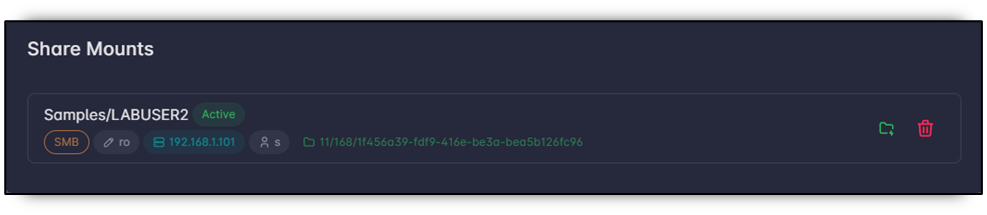
Deactivate or delete a mount when processing is finished. Keeping a writable mount increases the risk of overwriting evidence.