

Get Started
Start hunting
Search parsed records from Hunt or from a case.
Hunt searches the Elasticsearch index built during processing. Open it from the sidebar or from a case.
Open Hunt
- Sidebar: Hunt (
/UI/hunt/search). - Case: Investigation Hub → Start Hunting. That link scopes Hunt to the current case.
The scope control defaults to All cases. Pick one case to limit the search.
Two views
| View | Use it to |
|---|---|
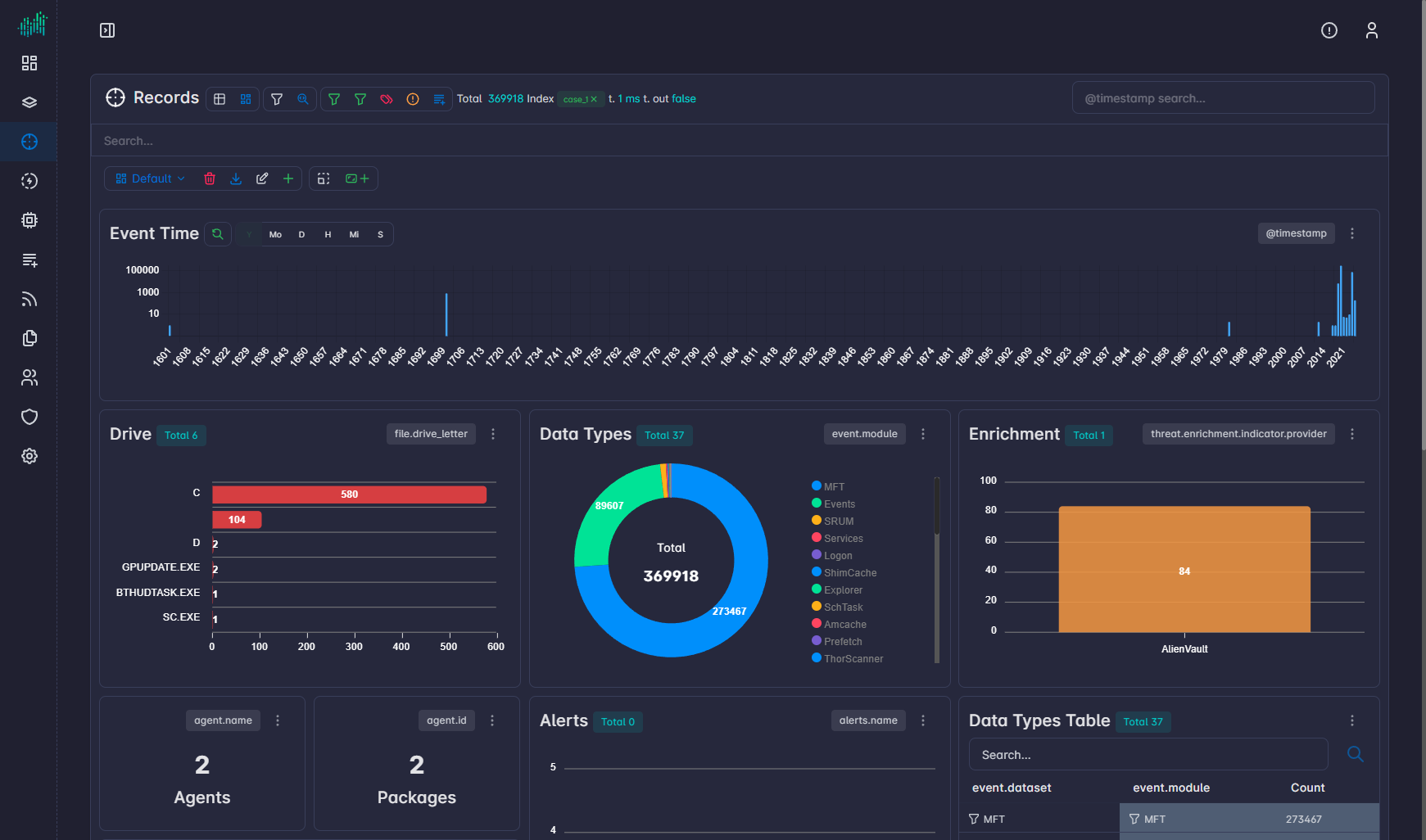
| Dashboard view | Chart the current query. |
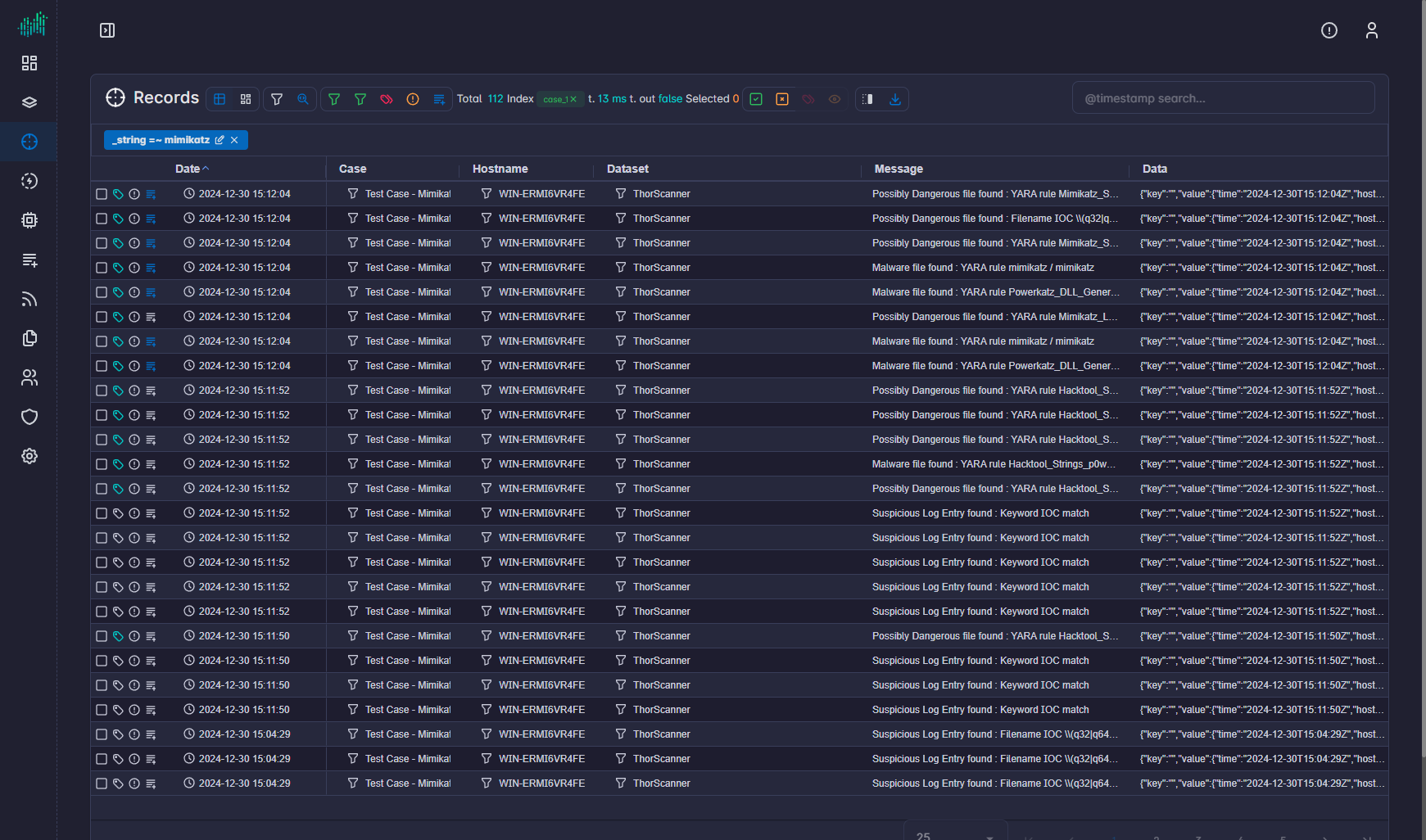
| Table view | Inspect rows, add columns, tag records, and create findings. |
Toolbar actions:
- Save and Saved Searches
- View Search
@timestampsearch box- Table view / Dashboard view
See Dashboard view and Table view.
Typical first hunt
- Process at least one package on a case.
- Click Start Hunting on that case, or open Hunt and select the case.
- Switch to Table view.
- Use Fields to add columns and Type to filter by data type.
- Click a row to open record details. Click a value in the detail panel to pivot.
- Select rows, then Tag selected records or Add to findings.
- Use Download to export the current table.
Apply view uses the primary fields configured in Settings → Hunting.