

Get StartedGetting Started
Authentication
Access the platform using the provided URL. If you are not authenticated, the system redirects you to the Login page.
Initial Access (Default Credentials)
CAUTION
Production Security: In production environments, reset default passwords immediately upon first login. Use these credentials only for initial deployment or evaluation.
| Attribute | Default Value |
|---|---|
| Username | admin |
| Password | Password@123 |
Sign-in Flow
- Navigate to the UI: Open the SandBytes URL in a supported browser.
- Input Credentials: Enter your assigned Username and Password.
- Click Login.
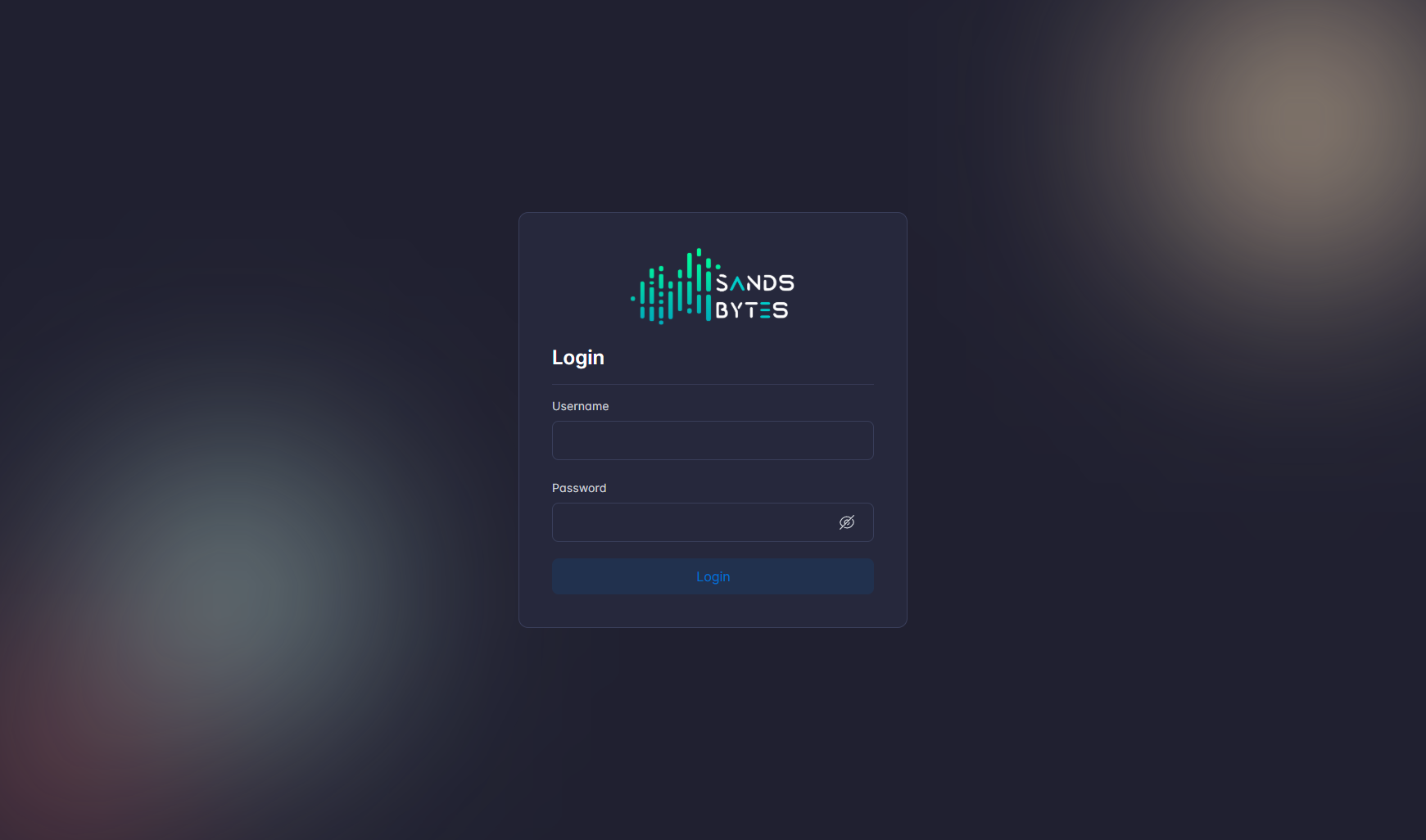
- Verify Session: Upon successful validation, the system redirects to the Dashboard.
Troubleshooting
If authentication fails, verify the following:
- Connectivity: Confirm the API endpoint is reachable from your network.
- Account Status: Ensure the account has not been disabled by an administrator.
- Network (Inspect): In the browser DevTools → Network tab, inspect requests to the API to confirm they are sent and check response status (e.g. 200 for success, 4xx/5xx for errors). Use this to verify the API is reachable and responding.
- Logs: Review the API and Worker logs for specific error codes or timeout events.
IMPORTANT
To terminate your session, select Logout from the User Menu in the Top Bar.