

Process Triage Package
Transform raw evidence into structured, searchable data. Triage packages serve as the container for uploaded artifacts and the execution context for parsing engines.
Prerequisites
- Active Case: An initialized case must exist to host the triage package.
- Parser Configuration: Ensure relevant parsers are enabled in Parsers for the specific artifact types (e.g., EVTX, MFT, Syslog).
Processing Workflow
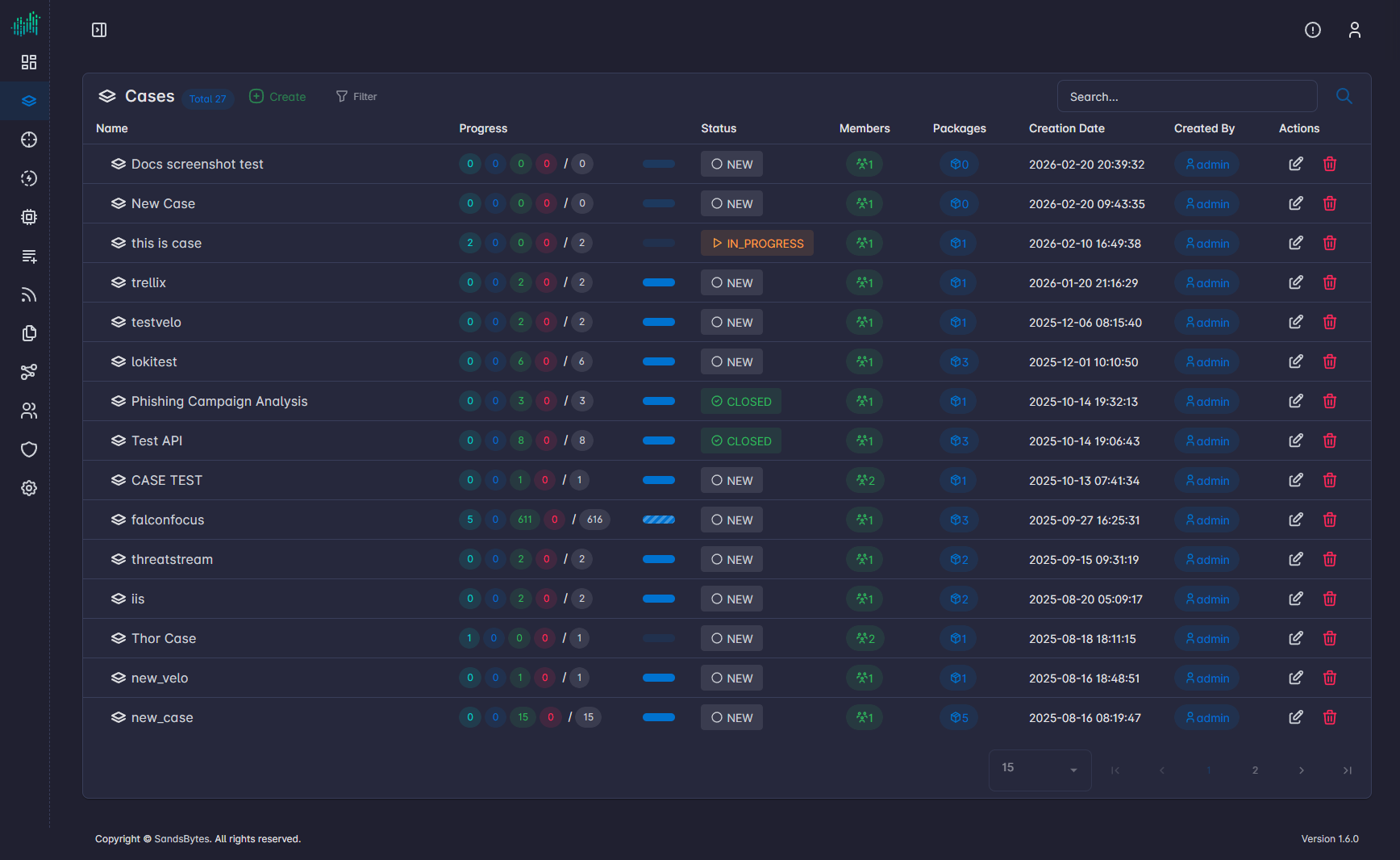
- Select Target Case: Open the case from the Cases repository.
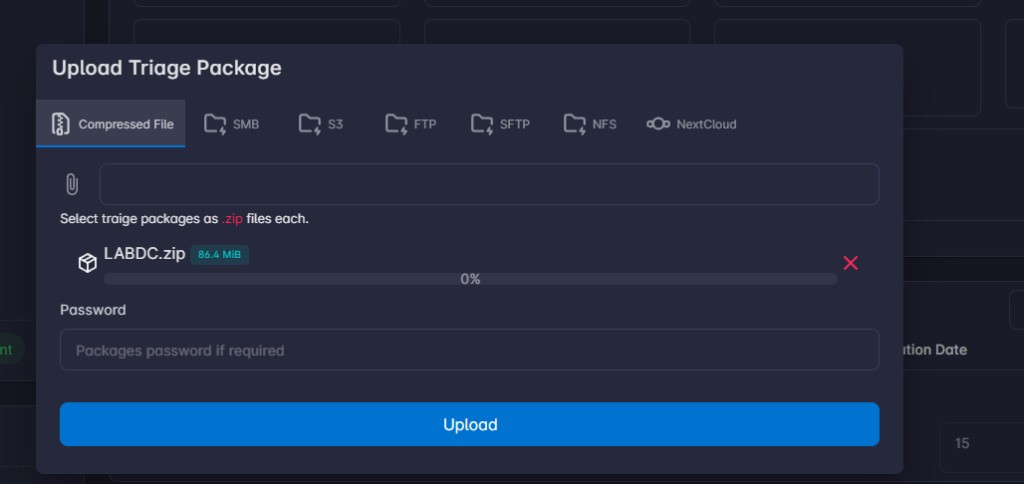
- Initialize Package: Navigate to the Triage Packages section and click Upload package. Select the triage package file. The system supports compressed archives.
Note
Do not close the page until the progress bar finishes and the upload is completed.
- Execute Parsers: Select the triage packages to be processed, then click Process. Select the parsers to be executed or select all. The backend distributes the artifacts to the relevant worker nodes for parsing and normalization in parallel.
Note
Selecting all parsers does not affect performance. You can select all; if a parser does not find files matching its criteria, it will skip them.
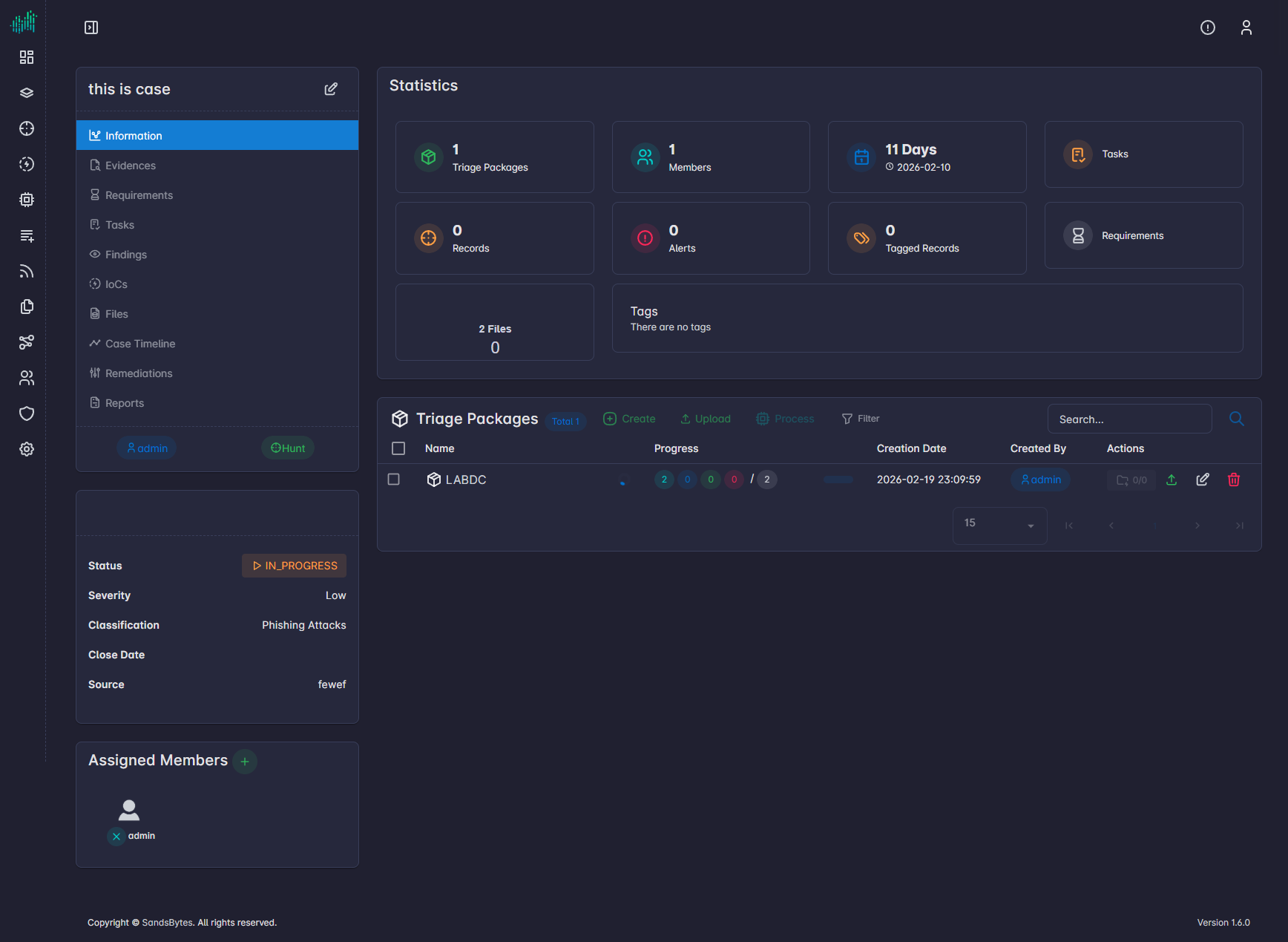
- Monitor Indexing: Track progress via the status indicator. Once the state reaches Done, the records are immediately searchable.
The list reflects each detected file–parser pair (file + parser) to be processed, not the package as a whole.
| Status | Description |
|---|---|
| Pending | The file–parser pair is queued and waiting to be picked up by a worker. |
| Running | The file is being parsed by the selected parser; processing is in progress. |
| Failed | Parsing encountered an error for this file–parser pair (e.g., unsupported format, parser failure). Check logs for details. |
| Done | Parsing completed successfully for this file–parser pair; records are indexed and available in Hunt. |
Data Lifecycle
When a package is processed, the data follows this path:
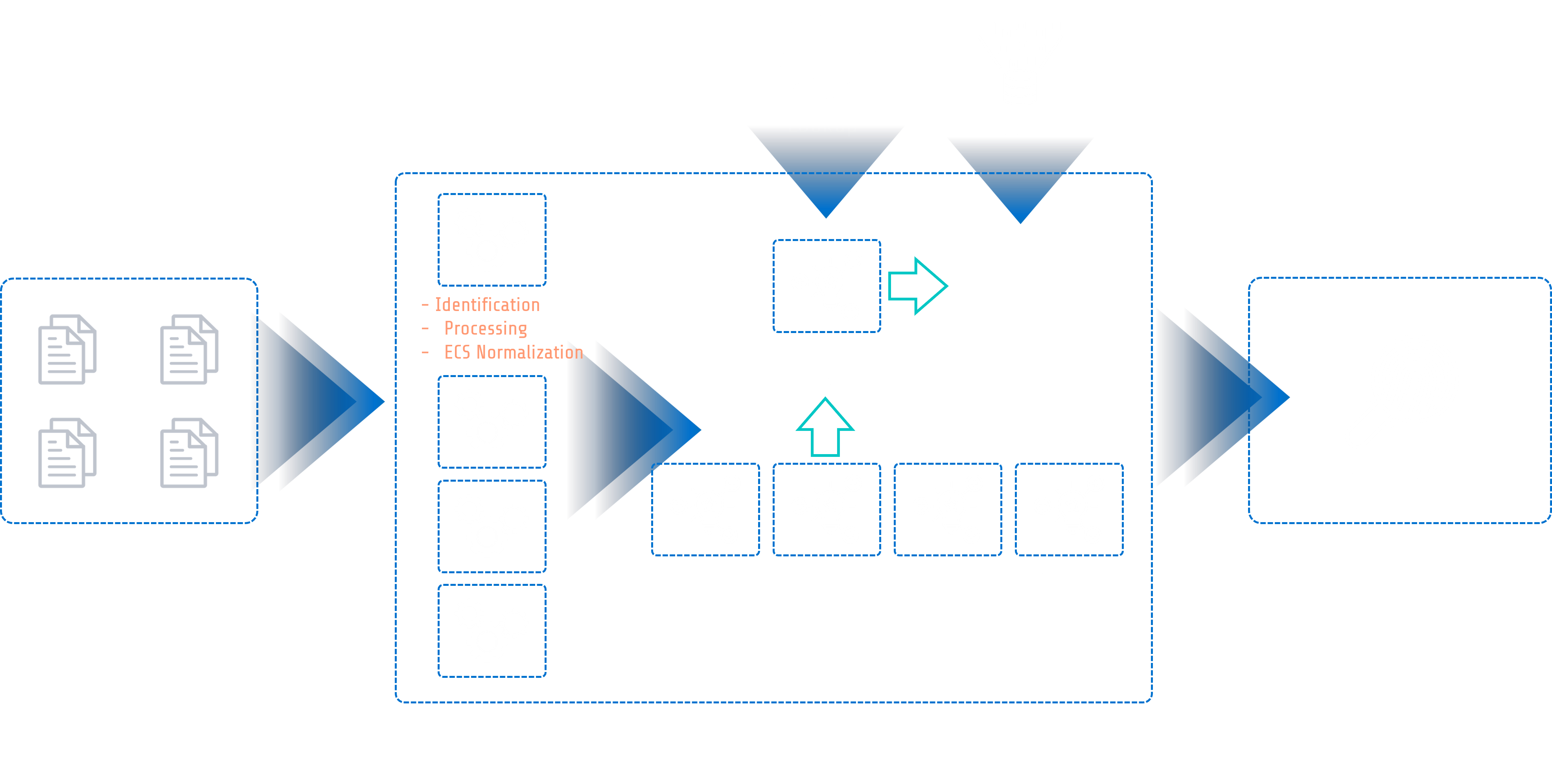
- Ingestion: Raw files are validated and stored.
- Parsing: Specific engines extract metadata based on file headers.
- Normalization: Data is converted into a standard schema.
- Indexing: Structured records are injected into the Hunt database.
SUCCESS
Successfully parsed data is now available for complex querying in the Start Hunting module.
Report Generation
Export investigative findings, evidence summaries, and IOCs into PDF or DOCX formats using case data and predefined templates. Reports are generated asynchronously based on the data populated within a specific case.
Start Hunting
Execute high-speed searches across parsed artifacts to identify threats and pivot between data points. Hunting is performed against the Elasticsearch index generated during the Processing phase.