Document
Create, manage, and attach files to documents in SandsBytes.
Knowledge Base
The Knowledge Base helps teams store and manage important technical documents in one central place.
Its purpose is to make information easy to create, review, and reuse, while improving collaboration, consistency, and faster access to trusted references during daily operations.
List Documents
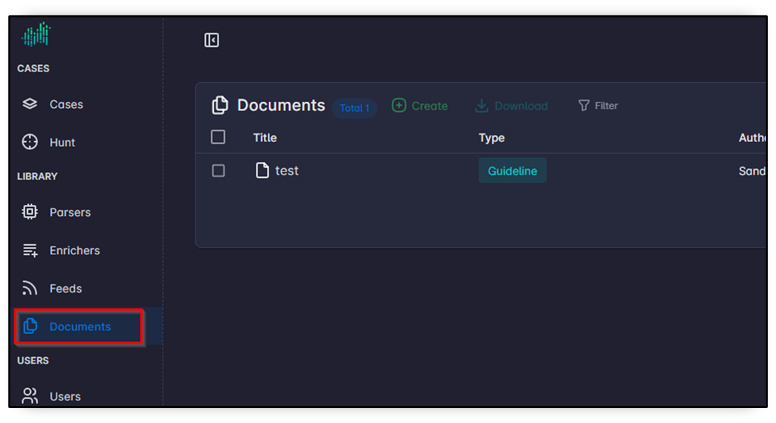
To list all the documents in knowledge base, click on the "Documents" button on sidebar.
Create Documents
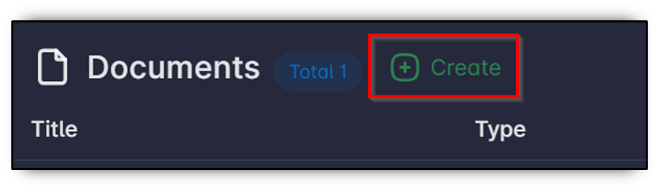
To create a document, open the "Document" page from the sidebar. Then click "Create" button.
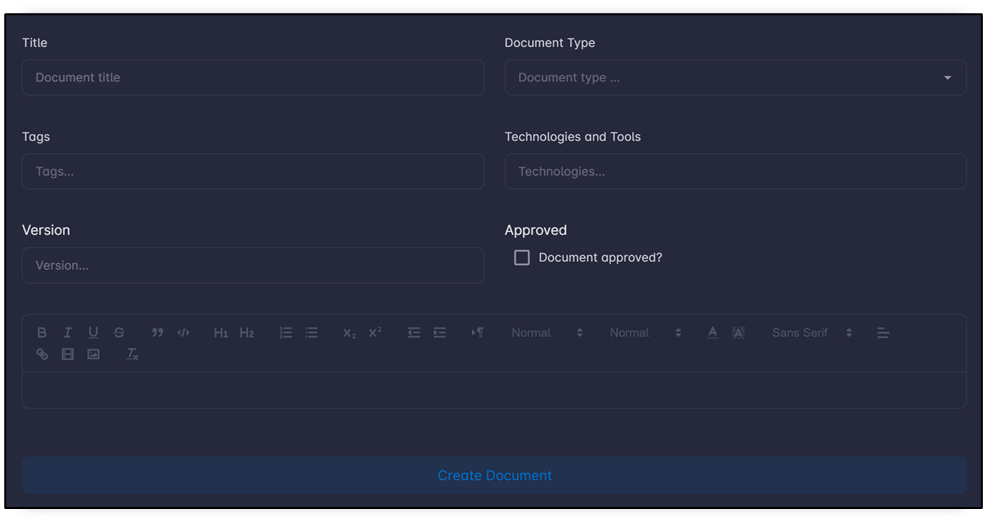
Fill in the document information including its title, type, tags, related technologies and tools, version, and whether it is approved or not, and the document content. Then click "Create Document" button.
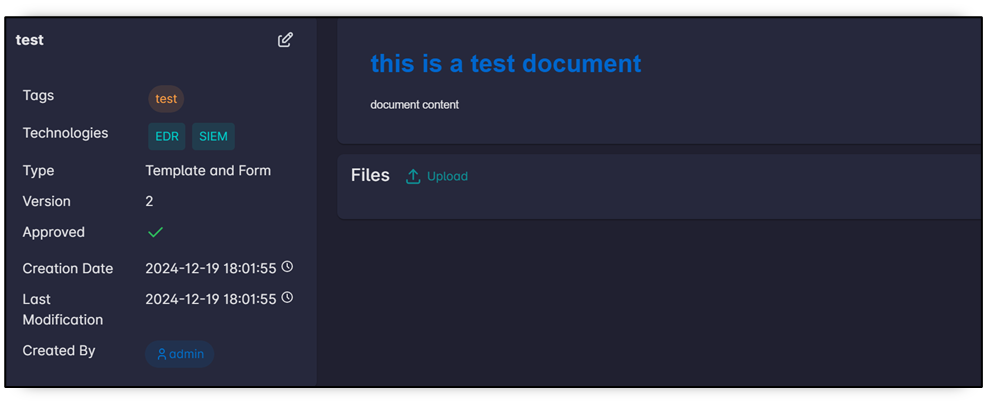
The document page will be displayed
Attach File to Document
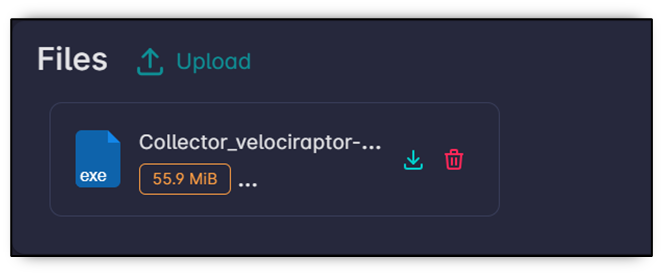
To attach files to the document, click "Upload" button on Files box.

Wait until the upload finishes, then the file will be displayed in the Files box.