Rules and ActionsNEW
Events
What automation rule events are, how category and type work, and how to select an event in the rule wizard.
Automation rules start from a system event: a change or logical signal in SandsBytes (for example a record created, updated, or deleted). This page explains how events are modeled and how you pick one when you create or edit a rule.
Event Category and Type
- Event category is usually named like a database table (source of the change).
- Event type is often
create,edit, ordeletefor direct table operations.
Selecting an Event in the UI
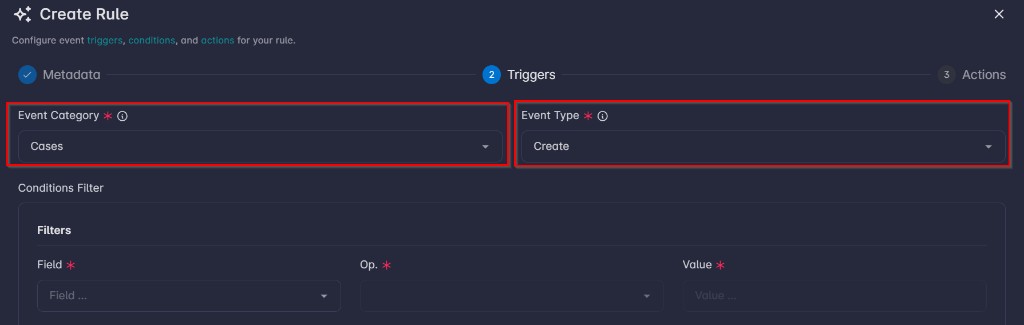
When you create or edit a rule, the stepper includes a Triggers step (step 2 in the default flow):
- Open Event category and Event type controls. The UI only offers combinations from the event registry.
- Choose the pair that matches the situation you want to automate (for example the table or logical entity, and
create/edit/deleteor another registered type).