

Conditions
The checks applied before a rule runs after its event matches—active rule, time window, and payload filter.
Before a rule’s action runs for a matched event, the engine applies these conditions in order:
Is Rule Active
The rule must be Active on the Metadata step; otherwise it is skipped for live events.
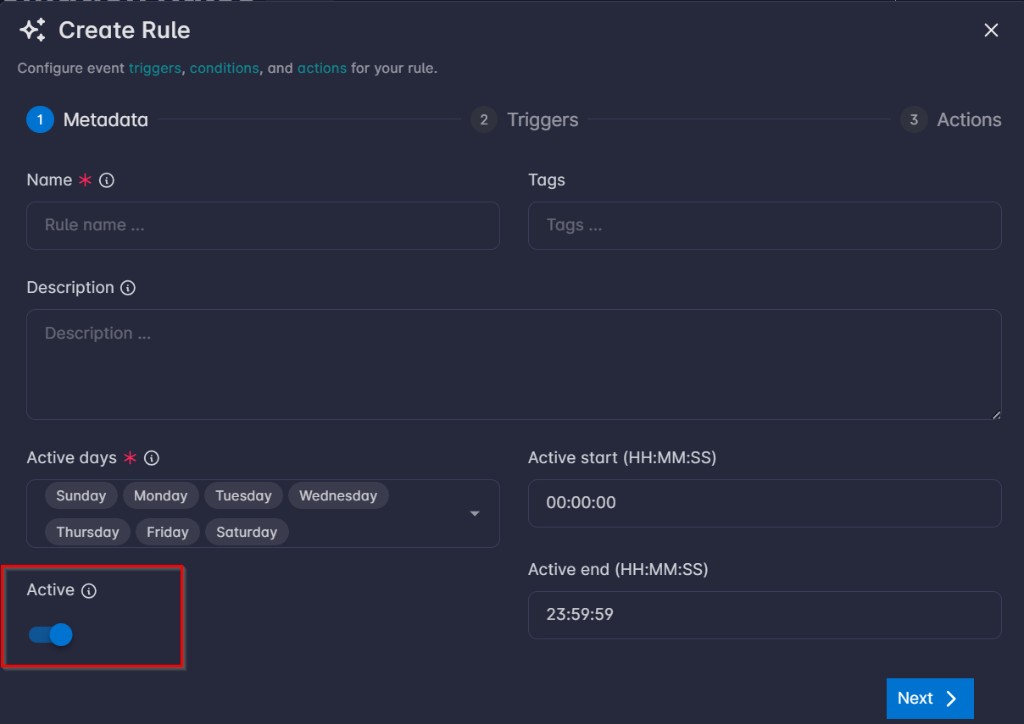
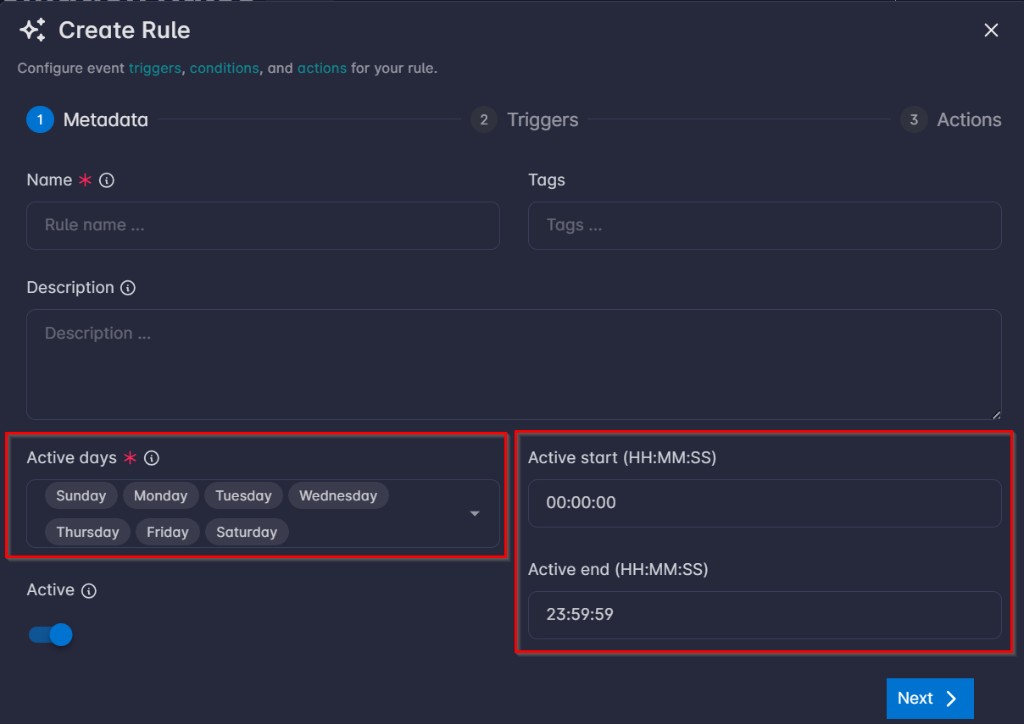
Is Event Within the Time Frame
The event must occur on an active day and within the active start / end time you set on Metadata (server time; if end is before start, the window is treated as overnight).
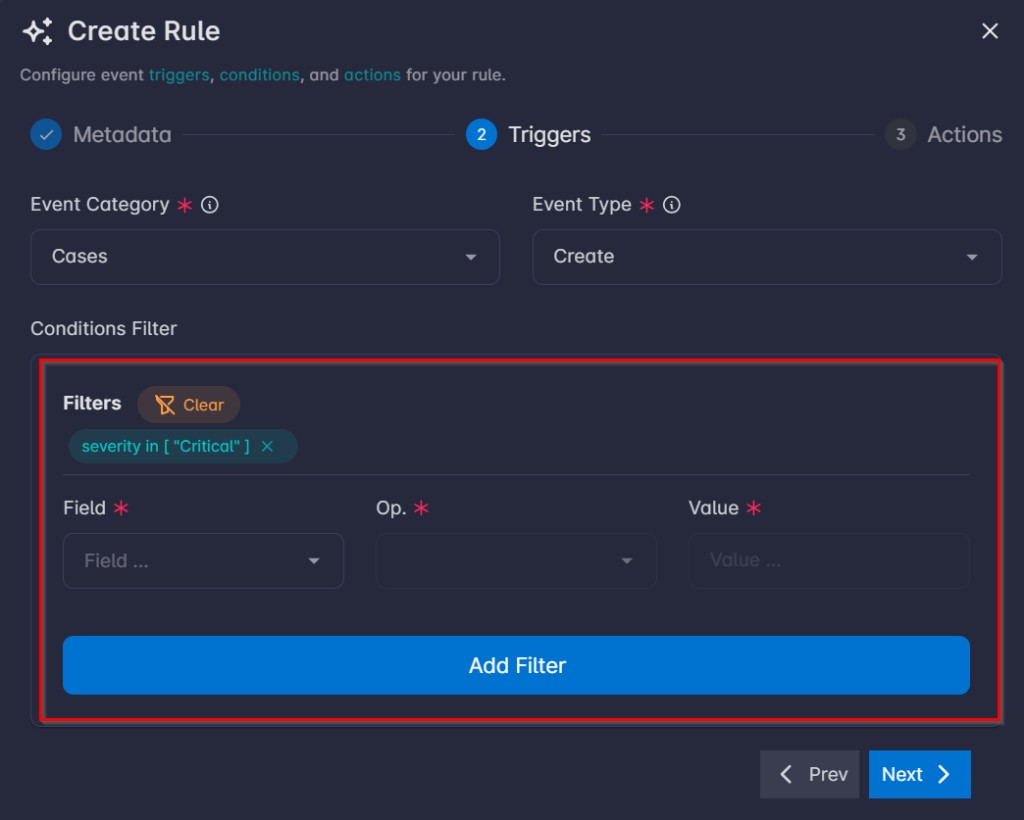
Does the Filter Match the Event Payload
The conditions filter on the Triggers step must match the event JSON payload (field, operator, and value rows); with no filter rows configured, this check passes for the payload.
Important
Ensure you click Apply Filter so your filter rows take effect before you leave the Triggers step.
Important
Fields in the filter will not appear until Event category is selected.