

Users and Roles
Roles
Create roles and grant permissions.
Roles (/UI/roles/list) lists named permission sets.
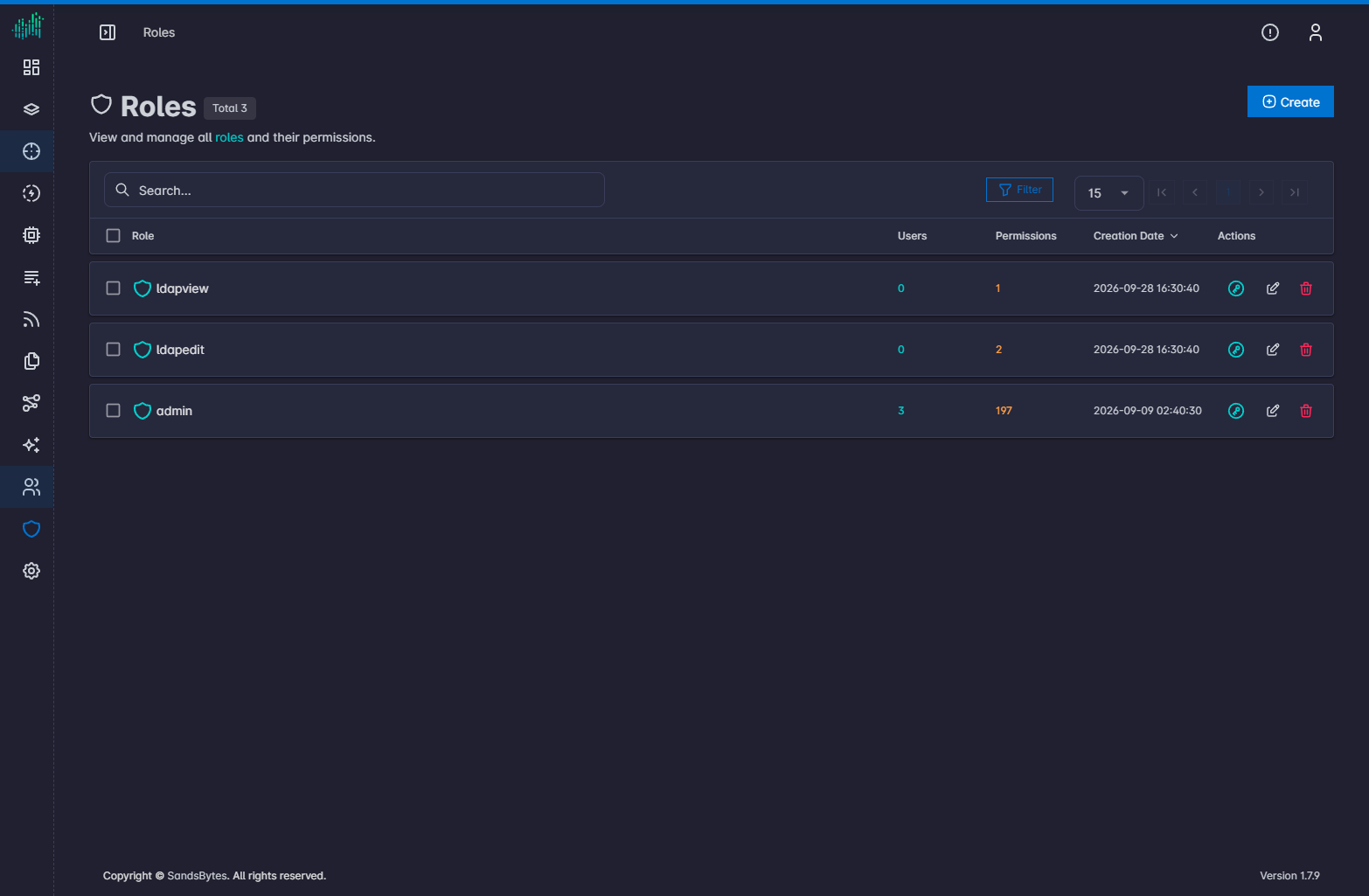
The heading shows Roles and the total count.
Columns
Role, Users, Permissions (count of granted permissions), Creation Date, and Actions.
Create a role
- Click Create.
- Enter a role name.
- Save.
A new role has no permissions.
Grant permissions
- Click Add Permissions on the role row.
- Select each required permission. Each selection is applied immediately.
If permission changes do not appear, sign out and sign in again.
Only grant the permissions a role needs. Hunt, case delete, settings, and store install are high-impact permissions.