

Feeds
Feeds List
Create and schedule threat-intelligence feeds.
Feeds (/UI/feeds/list) has two tabs: Feeds List (definitions) and Feeds Records (ingested rows).
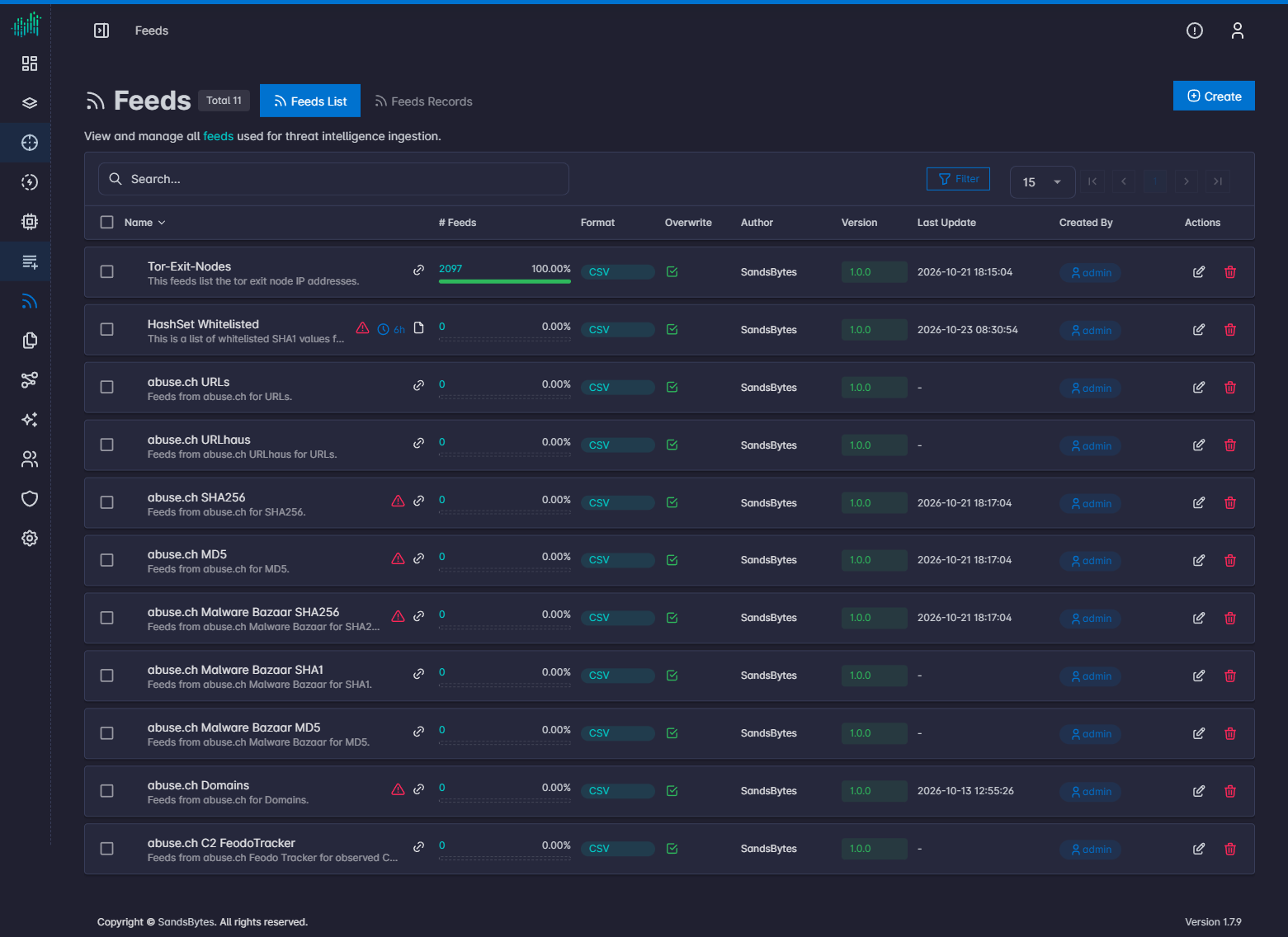
The heading shows Feeds and the total count of feed definitions.
Columns
Name, # Feeds, Format, Overwrite, Author, Version, Last Update, Created By, and Actions.
Create a feed
Click Create. The form has three blocks.
Feed Information
| Field | Purpose |
|---|---|
| Name | Stored on matching records (for example alerts.name). |
| Overwrite Records Every Time | If enabled, deletes all records on each sync. Avoid this on large feeds. |
| Run Every... | Sync interval. |
| Feed Key | Field used to match hunt records (hash, IP, domain, or any string). |
| Tags | Static tags, or dynamic tags with the d: prefix (for example d:categorization). |
| Zip Compressed File Name | Inner filename when the source is a zip. |
Source Information
- Online (URL): URL, GET or POST, headers, and optional body.
- Offline (FILE): upload a local file.
The URL must support a direct download (no interstitial timer or extra redirect).
Format Information
CSV is the supported format. Configure headers, delimiter, excluded columns, comment lines, and trim characters.
Creating or editing a feed starts a sync. See Feed sources and OpenCTI.