

Dashboard
Manage dashboards
Create, edit, export, and refresh dashboards.
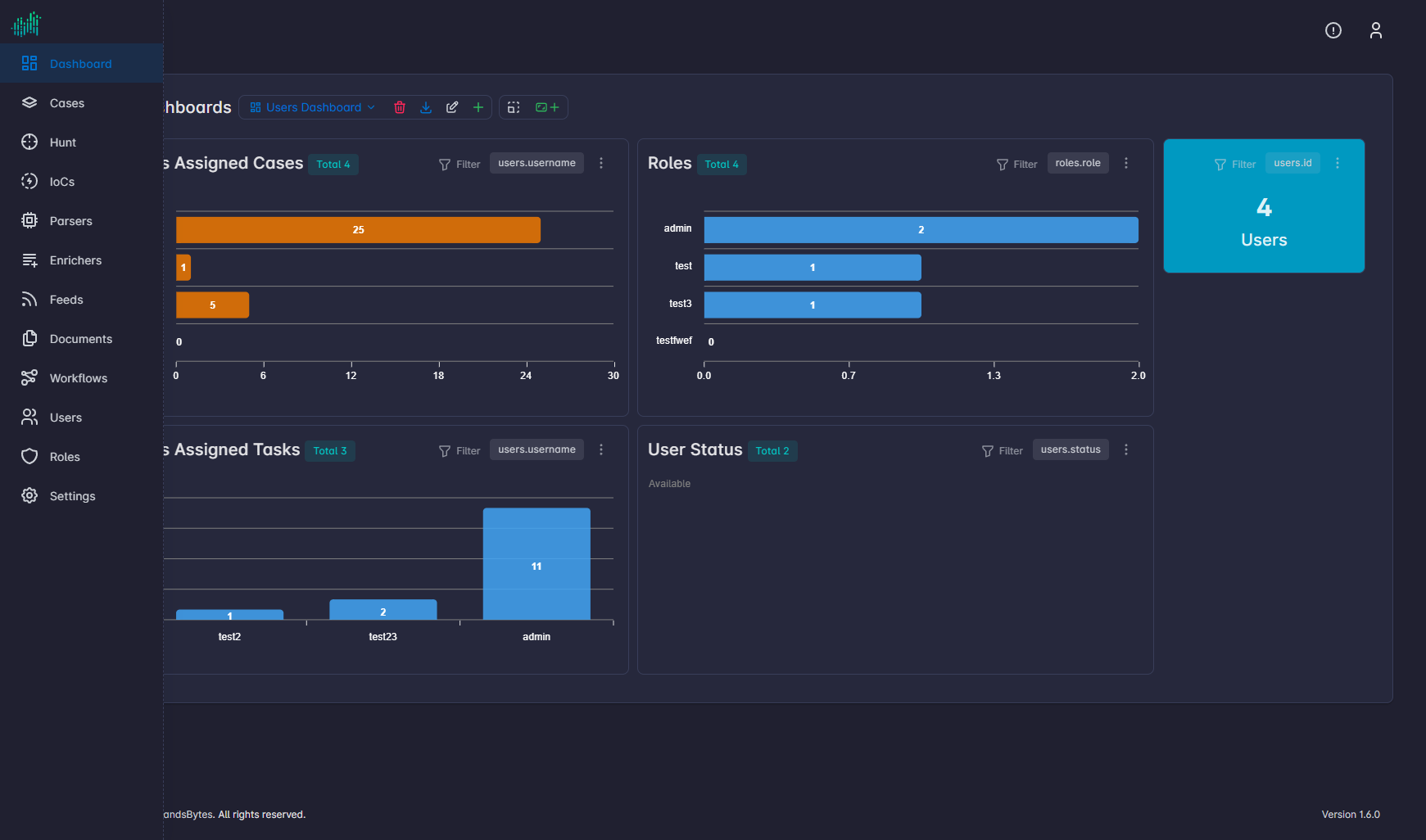
Dashboard actions sit in the workspace toolbar next to the dashboard name.
| Action | What it does |
|---|---|
| Dashboard name (dropdown) | Switch the active dashboard. |
| Delete Dashboard | Removes the current dashboard. |
| Download Dashboard | Exports the dashboard definition. |
| Edit Dashboard | Renames the dashboard or changes its settings. |
| Create Dashboard | Starts a new empty dashboard. |
| Enable Edit Widget | Unlocks the layout so you can move widgets. |
| Create Widget | Opens the widget wizard. See Widgets. |
| Refresh | Reloads widget data now. |
| Auto-refresh | Repeats refresh on a timer. Default is Off. |
Hunt dashboards reuse the same create, edit, delete, download, and widget actions. See Hunt dashboard view.